
TL;DR
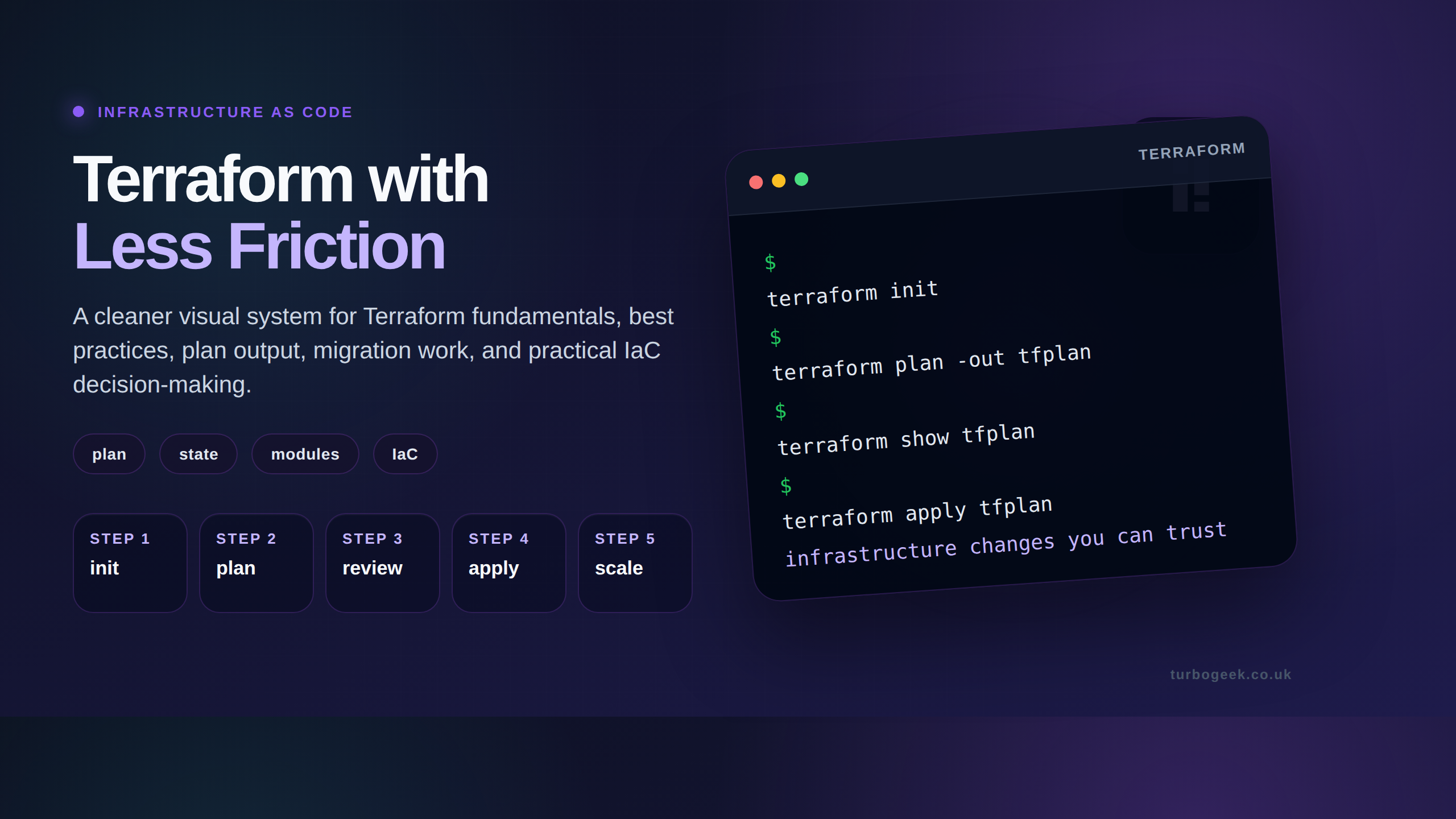
terraform planpreviews what apply will do — read it carefully every time.- Save the plan:
terraform plan -out=plan.tfplan; apply exactly that withterraform apply plan.tfplan. - Plans encode resource references — don’t share
.tfplanfiles publicly; they may contain secrets. - Use
terraform show plan.tfplanto re-render a saved plan in human-readable form.
What is reading and saving Terraform plan output?
terraform plan is the dry-run before terraform apply. It compares the desired state in your .tf files with the current real-world state (read live from cloud providers and Terraform state file) and prints what would change. + for create, - for destroy, ~ for in-place update, -/+ for replace.
Reading plan output well is a learnable skill. The headline is the resource-count summary at the bottom; the substance is in the body, where each ~ shows the specific attribute changes. Pay particular attention to -/+ replacements — those usually mean downtime.
Prerequisites
- Terraform 1.0+ installed (1.5+ in 2026).
- An initialised working directory (
terraform initsucceeded). - Provider credentials configured (AWS_PROFILE, GCP service account, etc.).
How to use this guide
The sections below walk through the practical commands and options. After the main content you’ll find a Verification block (sanity-check it actually worked), a Troubleshooting block (common error messages and what to do), and Related reading for follow-on topics.
The terraform plan command is a critical step in the core Terraform workflow, acting as a “dry run” to show you what actions Terraform will take to modify your infrastructure. By saving the output of a plan, you can increase the safety, predictability, and collaboration of your infrastructure management.

This guide covers two primary use cases for saving a plan:
- Creating a human-readable file for review or documentation.
- Creating a binary plan artifact to ensure a safe and consistent
terraform apply.
Before starting, ensure you have initialized your project with terraform init.
A common requirement is to share the output of a plan with team members. Simply redirecting the output often results in garbled text due to terminal color codes:
terraform plan > myplan.txtSee below.
Terraform used the selected providers to generate the following execution
plan. Resource actions are indicated with the following symbols:
[32m+[0m create
[36m<=[0m read (data resources)
[0m
Terraform will perform the following actions:
[1m # module.mymodule.data.aws_iam_policy_document.nodes[0m will be read during apply[0m
# (config refers to values not yet known)[0m
[0m [36m<=[0m[0m data "aws_iam_policy_document" "nodes" {
[32m+[0m [0m[1m[0mid[0m[0m = (known after apply)
[32m+[0m [0m[1m[0mjson[0m[0m = (known after apply)
[32m+[0m [0mstatement {
[32m+[0m [0m[1m[0mactions[0m[0m = [
[32m+[0m [0m"autoscaling:DescribeScalingPlanResources",
[32m+[0m [0m"autoscaling:DescribeScalingPlans",
[32m+[0m [0m"ec2:AttachNetworkInterface",
[32m+[0m [0m"ec2:AttachVolume",
[32m+[0m [0m"ec2:CreateNetworkInterface",
[32m+[0m [0m"ec2:CreateSnapshot",
[32m+[0m [0m"ec2:CreateTags",
[32m+[0m [0m"ec2:DeleteTags",
[32m+[0m [0m"ec2:DescribeInstances",
[32m+[0m [0m"ec2:DescribeNetworkInterfaces",
[32m+[0m [0m"ec2:DescribeSecurityGroups",A quick workaround is to use the –no-colour option.
terraform plan -no-color > myplan.txt This fixes the formatting issue and makes everything easier to read.
Terraform used the selected providers to generate the following execution
plan. Resource actions are indicated with the following symbols:
  + create
 <= read (data resources)

Terraform will perform the following actions:

  # module.mymodule.data.aws_iam_policy_document.nodes will be read during apply
  # (config refers to values not yet known)
 <= data "aws_iam_policy_document" "nodes" {
      + id   = (known after apply)
      + json = (known after apply)

      + statement {
          + actions   = [
              + "autoscaling:DescribeScalingPlanResources",
              + "autoscaling:DescribeScalingPlans",
              + "ec2:AttachNetworkInterface",
              + "ec2:AttachVolume",
              + "ec2:CreateNetworkInterface",
              + "ec2:CreateSnapshot",
              + "ec2:CreateTags",
              + "ec2:DeleteTags",
              + "ec2:DescribeInstances",
              + "ec2:DescribeNetworkInterfaces",
+ "ec2:DescribeSecurityGroups",Storing the plan in a file has several advantages. First, it ensures consistency between the plan and apply phases, eliminating any discrepancies that might arise due to changes in the configuration or the state of the remote resources between the two steps. Second, it facilitates collaboration among team members. You can share the plan file for peer review or for approval processes in a CI/CD pipeline.
While you can use the -no-color flag to fix this, the recommended best practice is to first generate a binary plan file and then use the terraform show command to create a clean, human-readable version. This ensures that the plan you are reviewing is the exact same one that would be applied.

#1: Saving a Human-Readable Plan for Review
Step 1: Create the binary plan artifact.
This command creates a file (conventionally named tfplan) containing the proposed changes in a machine-readable binary format.
terraform plan -out=tfplan
Step 2: Use terraform show to generate the text output.
This command reads the binary plan file and outputs it as clean text, which can then be safely redirected to a file.
terraform show tfplan > plan_for_review.txt
You can now share plan_for_review.txt for peer review.
#2: Using a Plan File for a Safe terraform apply
The primary purpose of the -out flag is to create a plan artifact that can be passed directly to terraform apply. This workflow guarantees that only the actions previewed in the plan are executed, preventing any unexpected changes that could occur if the configuration or state changed in the time between running plan and apply.
The workflow is simple:
# 1. Generate and save the plan
terraform plan -out=tfplan

# 2. (Optional but Recommended) Review the plan
terraform show tfplan

# 3. Apply the saved plan file. Terraform will not ask for confirmation.
terraform apply "tfplan"
This is the standard workflow used in CI/CD pipelines to ensure automation is predictable and safe.
#3: Advanced Usage and Common Flags
Here are other useful flags that can be used with terraform plan:
- Saving to a Specific Path: You can specify a directory for your plan file.
terraform plan -out=production_plans/app.tfplan- Generating JSON Output: For programmatic parsing or integration with other tools, you can output the plan directly in JSON format
terraform plan -json > plan.json- Using in Automation (CI/CD): The
-detailed-exitcodeflag is used in scripts to check if changes are pending without saving a file. It provides specific exit codes:- 0: No changes, infrastructure is up-to-date.
- 1: Error occurred.
- 2: Changes are pending.
terraform plan -detailed-exitcode- Supplying Variables on the Fly: You can override variables defined in your configuration for a specific plan.
terraform plan -out=tfplan -var="instance_type=t3.large"What Else Can You Do With Terraform Plan Output?
Relative Path for Output:
terraform plan -out=./plans/terraform_planSpecifies a relative path to save the plan in the ‘plans’ directory.
Full Path for Output:
terraform plan -out=/path/to/terraform/plans/my_plan
Saves the Terraform plan to an absolute path.
Output in JSON Format:
terraform plan -out=tfplan.json -input=false -lock=false -no-color -detailed-exitcodeGenerates the plan in JSON format without user input, locking, or color and with a detailed exit code.
Generate a Plan Without Applying, and get a detailed exit code
terraform plan -detailed-exitcodePerforms a dry run of the Terraform plan without applying changes, providing a detailed exit code.
Plan with Specific Variable Values:
terraform plan -out=tfplan -var="region=us-east-1" -var="instance_type=t2.micro"Creates a plan with specific variable values, in this case, setting the region to us-east-1 and instance type to t2.micro.
Terraform Plan Common Q&A
Q1: What is the primary function of the terraform plan command?
A: The terraform plan command creates an execution plan, showing what changes Terraform will make to your infrastructure without actually applying them. It is a preview of the apply command.
Q2: How does the -out flag enhance the terraform plan command?
A: The -out flag saves the generated execution plan to a binary file. This allows you to guarantee that the actions executed by terraform apply are precisely the same as those you reviewed, which is essential for safe and predictable infrastructure management, especially in automated pipelines.
Q3: What is the format of the file generated by terraform plan -out=<filename>?
A: The file is stored in a compressed, binary format. It is not human-readable and is intended to be consumed by the terraform apply or terraform show commands.
Q4: Why is saving the plan to a file beneficial for team collaboration?
A: It allows a plan to be generated and then passed to other team members or through a CI/CD system for review and approval. Once approved, that exact plan file can be applied, ensuring that what was approved is what gets deployed.
Q5: Can you modify the plan file generated by terraform plan -out?
A: No. The binary plan file is cryptographically signed to prevent modification. Attempting to edit it will invalidate the plan, and Terraform will refuse to apply it.
Thanks for taking the time to read this article. if you have any questions or feedback, please write in the comment section below.
Verification
Sanity-check the change actually worked:
terraform planexits 0 (no changes) or 2 (changes pending) — never 1 (error).terraform plan -out=plan.tfplancreates a binary plan file you can apply later.terraform show plan.tfplanre-renders that plan; output matches the original plan run.
Troubleshooting
Plan diff is huge but you didn’t change much — Drift between state and reality. Either bring the change into Terraform with terraform import or with terraform refresh, or use lifecycle.ignore_changes for parameters managed elsewhere.
Plan shows resources will be destroyed unexpectedly — Stop. Read the body, not just the summary. Most often a logical-ID rename (refactoring) — fix with terraform state mv rather than letting destroy run.
plan.tfplan can’t be applied because state has moved — Saved plans expire when state changes. Re-plan and re-apply, or use Terraform Cloud’s run-with-saved-plan feature.
Authoritative sources
References: Terraform — plan command, Terraform — show command.


Leave a Reply