Technical Blog

caution SSH

SSH Error “No Matching Host Key Type Found”

I just wanted to share a fix for the annoying SSH error you get on older versions of Linux. I got this error when connecting to a Centos 6.9 x64 vanilla installation. The fix for “no matching host key type found” when SSH-ing to a CentOS server is to explicitly...

Tux

Vi, Nano, and Vim: The Battle of the Linux Text Editors

Linux, renowned for its flexibility and power, offers a variety of text editors for both novice and experienced users. Among these, Vi, Nano, and Vim stand out as the most popular choices. Each boasts a unique history, strengths, and weaknesses, leading to a spirited debate about which reigns supreme. Editor...

image

SSH: The Secure Shell That Protects Your Data!

Secure Shell (SSH) is an essential way to connect to a remote server securely. SSH provides secure remote access to computers and servers. Whether you’re a system administrator, a developer, or just someone who values online privacy, understanding SSH is crucial. This article will introduce you to SSH and explore...

Ssh Green

Secure Shell (SSH) Connection via Port 22

SSH is a cryptographic network protocol that enables secure communication between two networked devices. It is primarily used for remote administration, file transfers, and other network services that require a high degree of security. Purpose: Components: By default, SSH servers listen for incoming connections on TCP port 22. However, this...

gitlab

How to Install, Configure and Use Gitlab CE on Ubuntu 22.04

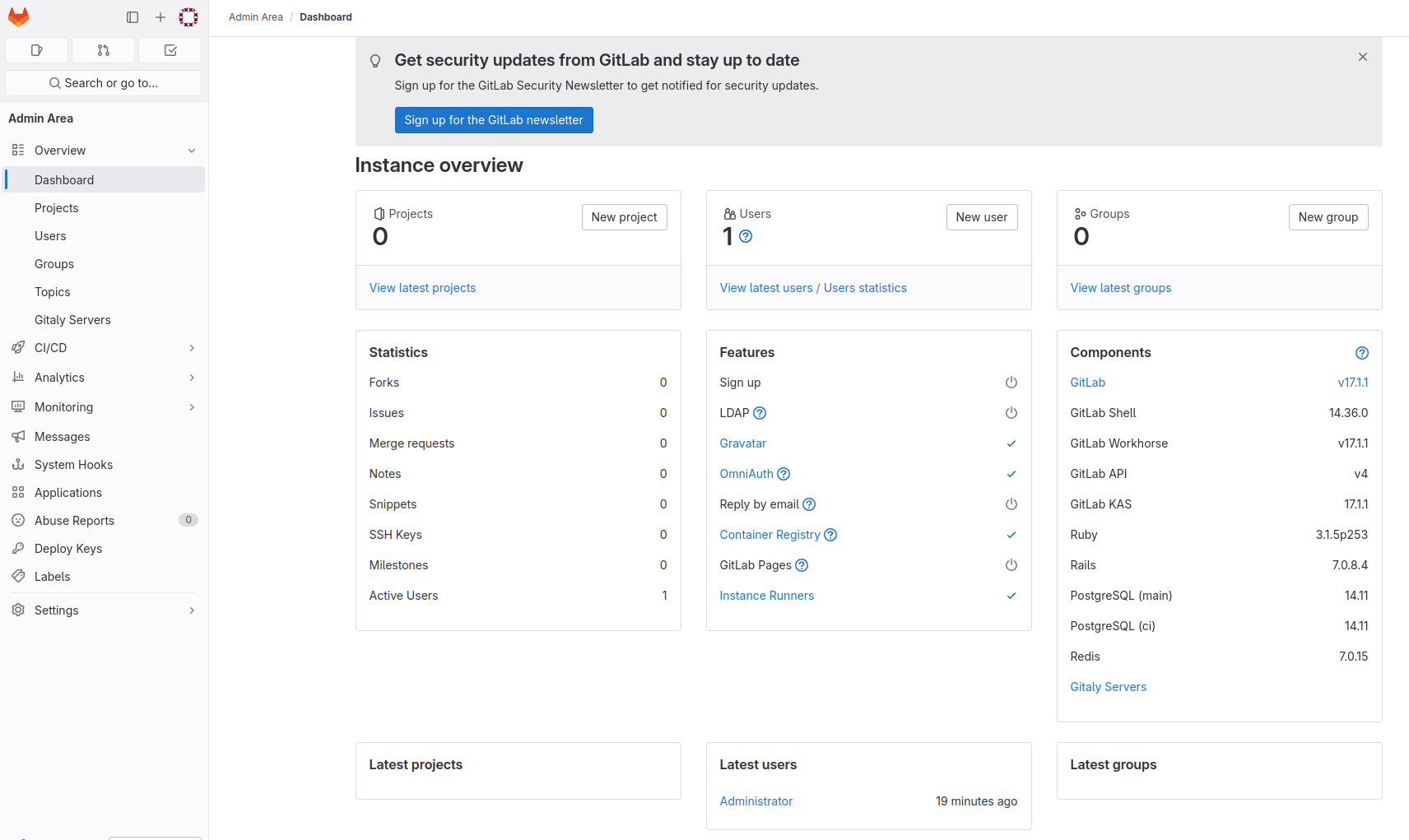
How to Install GitLab CE on Ubuntu 22.04: A Step-by-Step Guide Need to Install Gitlab on Ubuntu 24.04 – Click here for the updated procedure GitLab Community Edition (CE) is a powerful, open-source DevOps platform that enables DevOps teams to collaborate, manage code, and streamline their software development lifecycle. It...

image

Delete Files in Linux: rm, shred, and Bulk Deletion Guide

Running a Linux system requires clean file management. Whether you are clearing logs or removing old builds, knowing the right command prevents data loss and server downtime. In our testing on modern distributions like Ubuntu 24.04 and RHEL 9, we found that simple mistakes in file removal cause more recovery...

Ubuntu

How to Change the Ubuntu Root Password: What You Need to Know

In Ubuntu and other Linux-based operating systems, the root user is the superuser account. It possesses unrestricted privileges to perform any action on the system. For security purposes, Ubuntu takes a unique approach: by default, the root account is not enabled with a password for direct login. This design decision...

Translate »