
TL;DR – Pop!_OS 24.04 and COSMIC
- Pop!_OS is System76’s Ubuntu-based Linux distribution: in 24.04, that now means getting the COSMIC desktop too.
- What makes Pop different is practical rather than cosmetic: System76’s own installer, workflow tooling, recovery options, privacy stance and hardware-aware polish all matter.
- New users should follow the official download and USB install path: existing 22.04 users should treat 24.04 as a desktop migration.
- Jump now if you want COSMIC: wait if maximum continuity matters more than getting the new desktop straight away.
Start here: If you are new to Pop!_OS, read the next three sections first. If you already know Pop and only care about the upgrade risk, skip straight to What actually changes when you upgrade.
| Topic | When | What to do |
|---|---|---|
| What Pop!_OS is | You know Ubuntu but not Pop | Read the basics first so COSMIC makes sense in context. |
| Fresh install path | You are trying Pop!_OS on a new machine | Pick the right ISO, make a USB installer, and disable Secure Boot first. |
| In-place upgrade | You already run Pop!_OS 22.04 LTS | Treat 24.04 as a desktop migration, not a routine maintenance update. |
| Decision point | You mainly want to know whether to jump now | Focus on the upgrade changes and your appetite for workflow disruption. |
Pop!_OS 24.04 LTS matters for two reasons. It is the first long-term release that puts COSMIC front and centre, and it is also the moment a lot of newer Linux users will ask the basic question first: what is Pop!_OS, exactly?
This article works better if we answer that before talking about the March 3, 2026 upgrade. Once you understand what Pop!_OS is, why it feels different, and how System76 wants people to install it, the upgrade decision becomes much cleaner.
What is Pop!_OS?
System76 describes Pop!_OS as a Linux operating system that is engineered and designed in-house, free to download, and focused on being productive and personal. The short version is that Pop!_OS is System76’s own desktop Linux distribution: it borrows Ubuntu compatibility underneath, but tries to smooth out the day-to-day experience above that.
System76’s official comparison page also says Pop!_OS is built from Ubuntu repositories, which is why Ubuntu-compatible software generally works here too. That matters because Pop is not trying to be a separate universe. It is trying to feel faster, cleaner and more intentional on top of a familiar Linux software base.
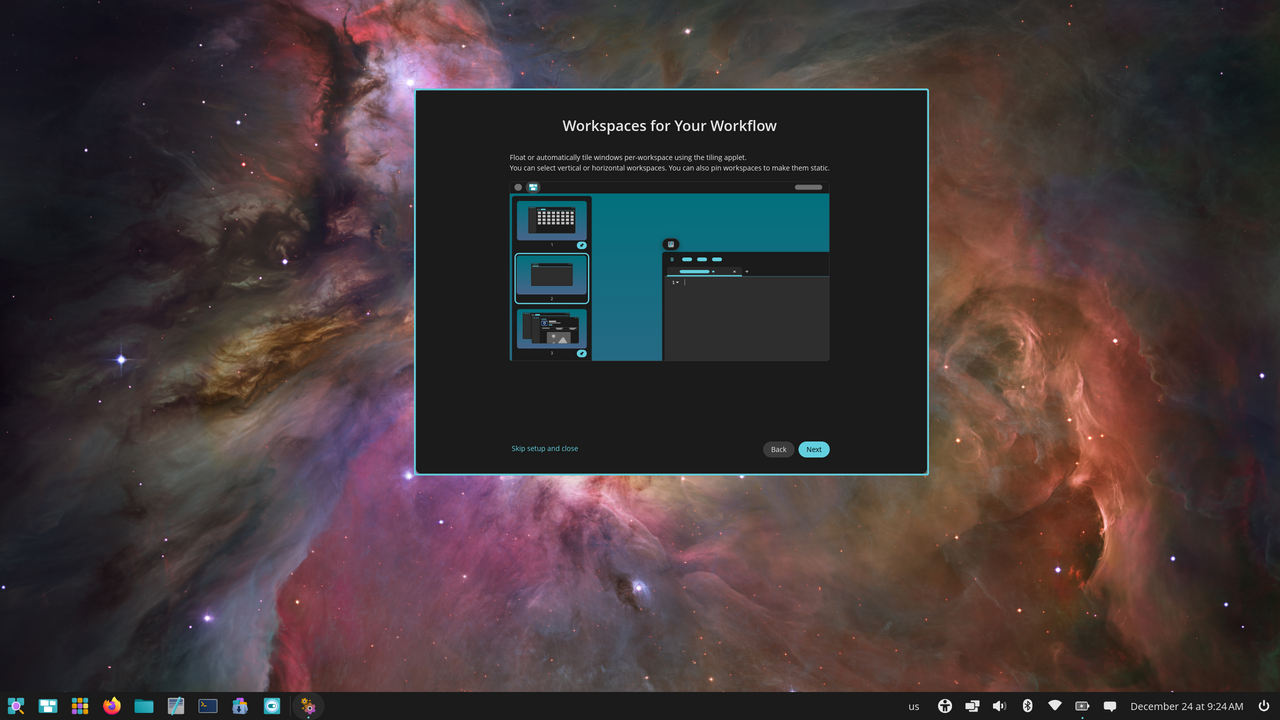
In 2026, Pop!_OS is also inseparable from COSMIC. The Pop!_OS Basics guide says 24.04 includes the COSMIC desktop environment, and notes that COSMIC is written in Rust. So when people talk about Pop!_OS 24.04 now, they are really talking about both the operating system and the desktop experience it ships with.
Why Pop!_OS feels different from other Linux distros
There is a short history worth understanding here. System76’s own docs say Pop!_OS has evolved a lot since its 17.10 release. It started from Ubuntu roots, but System76 has spent the intervening years building its own installer flow, hardware-specific ISOs, recovery options, power and graphics tooling, and now its own COSMIC desktop.
That is why calling Pop!_OS just a “re-skinned Ubuntu” misses the point. System76 explicitly pushes back on that label in its support docs, and the reasons are practical rather than cosmetic: the installer is designed to be approachable, full-disk encryption is part of the normal setup, recovery options are built into the story, and the workflow focuses heavily on launcher-driven navigation, tiling and workspaces.
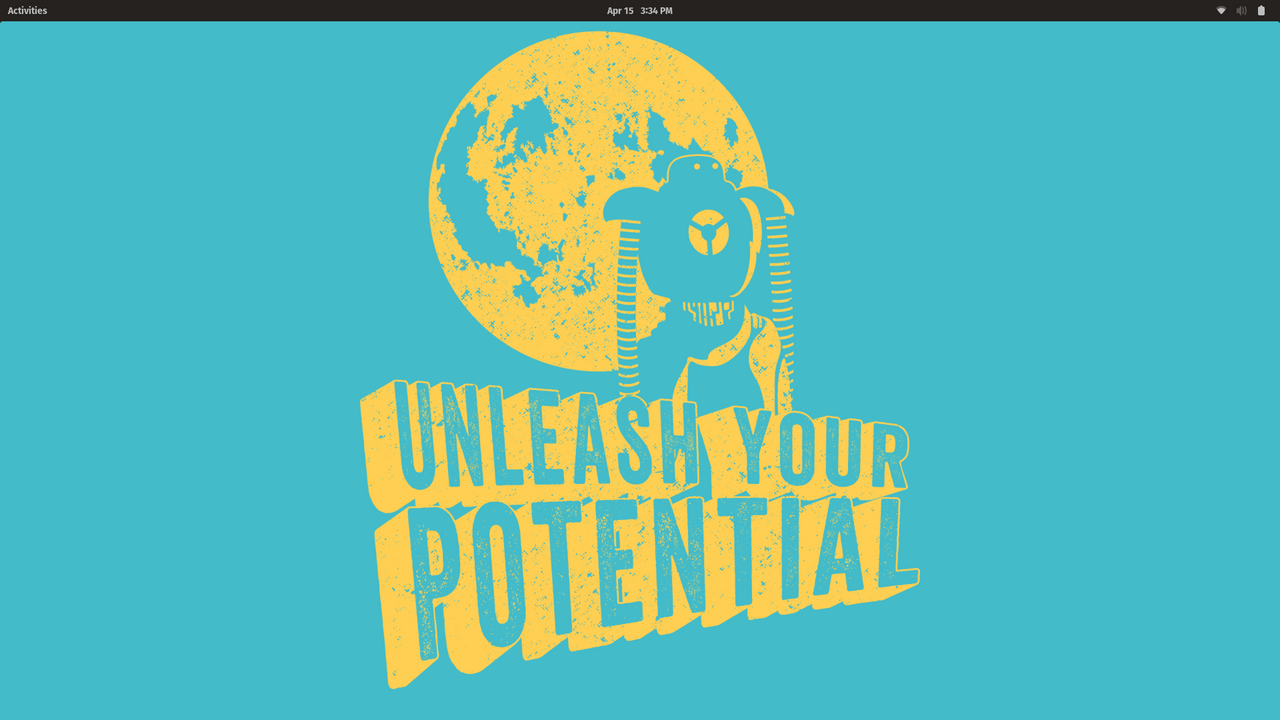
The other difference is philosophical. On the official Pop!_OS page, System76 emphasises full-disk encryption, zero user data collection, and workflow features such as applets and auto-tiling. Whether you love every decision or not, Pop!_OS clearly has a point of view, and that point of view is more opinionated than a vanilla Ubuntu install.
How to download and install Pop!_OS
If you are starting fresh rather than upgrading an existing Pop machine, stick to System76’s official path. The download page splits the release by hardware class: generic Intel/AMD, NVIDIA, ARM, and ARM with NVIDIA. The current install guide lists 4 GB RAM and 20 GB storage as the baseline, recommends more where possible, and says Secure Boot must be disabled before installation.
- Choose the ISO that matches your hardware from the official download page, and verify the checksum if you want the safest download path.
- Create a bootable USB stick using System76’s Live Disk Creation guide.
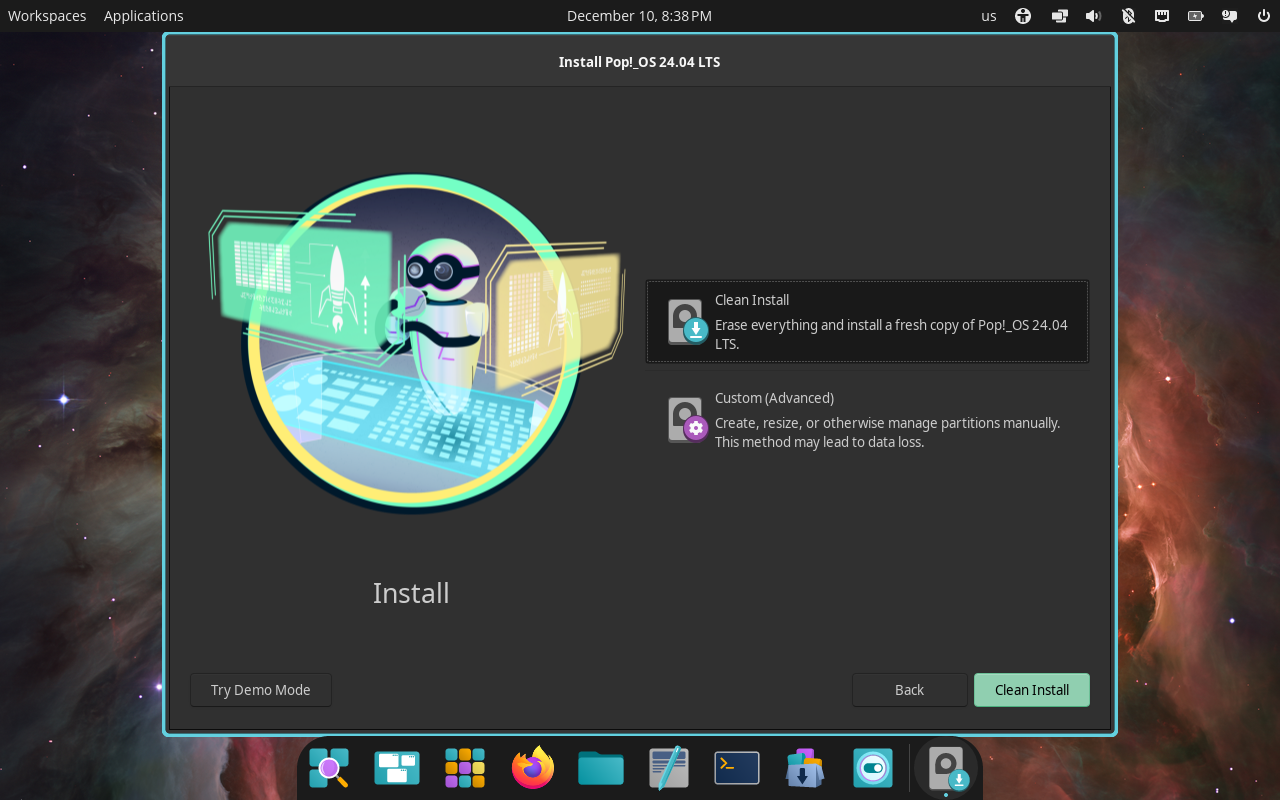
- Boot from that USB, select your language and keyboard, then choose
Try Demo Modeif you want to test first orClean Installfor the straightforward install path. - Choose
Erase and Installif this is a standard single-disk setup, then create your user account. - Decide whether to enable full-disk encryption during the installer. System76 surfaces that choice as part of the normal setup rather than hiding it away later.
If you already run Pop!_OS 22.04 LTS, this section is background rather than your main upgrade method. System76’s March 3, 2026 upgrade announcement says existing users receive an in-OS notification through Settings > OS Upgrade and Recovery, and the download page also documents the terminal path pop-upgrade release upgrade -f after you have backed up your files.
That gives the upgrade story the right context. For newcomers, Pop!_OS is a fresh-install question. For existing 22.04 users, Pop!_OS 24.04 is a migration question.
What actually changes when you upgrade
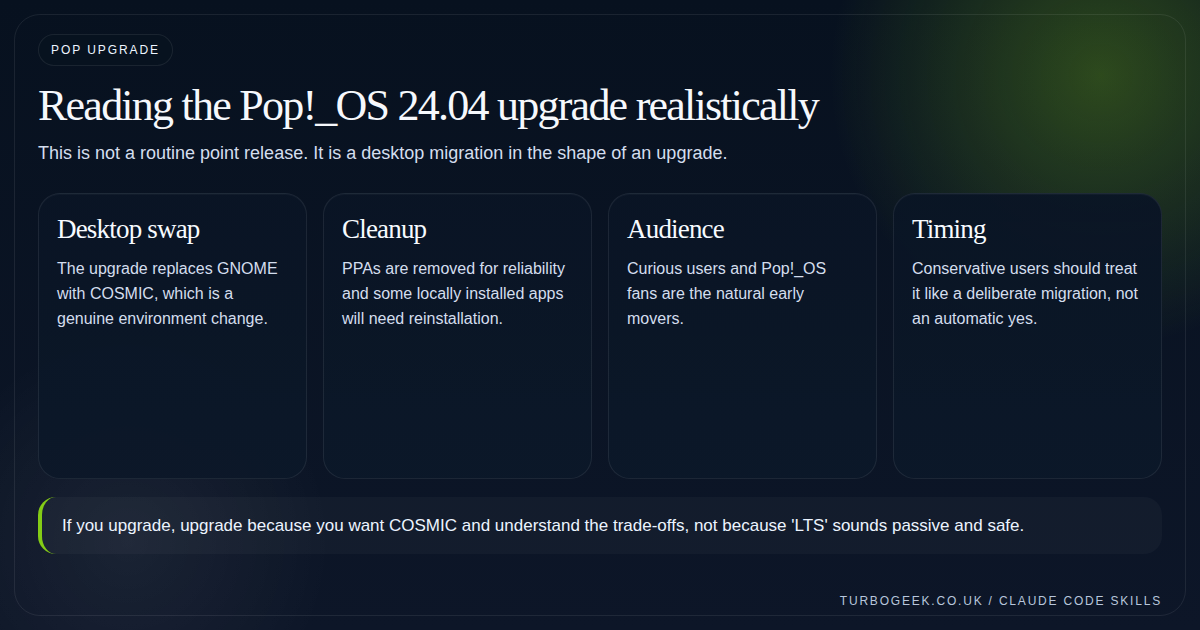
System76’s March 3, 2026 announcement is refreshingly clear about the trade-offs. This is not just a new version number or a background package refresh. It is a desktop change with follow-on cleanup.
- GNOME is replaced by COSMIC.
- New COSMIC apps arrive, including Files, Settings, Store, Terminal and Text Editor.
- Dock favourites need to be pinned again.
- PPAs are removed for reliability.
- Apps installed from PPAs or local DEB files may need reinstalling.
That honesty is useful because it frames the decision properly. If you liked Pop!_OS precisely because it felt like a tuned GNOME desktop, you should approach 24.04 as a workflow migration rather than a passive LTS update.
The cleanup items matter nearly as much as the desktop change. PPA removal makes sense for upgrade reliability, but it also means you need to know which software came from those repos before you click through the upgrade.
Who should jump now
If you have been waiting specifically for a supported COSMIC path, you are the natural early adopter. This is also a good time for users who enjoy shaping their desktop and do not mind repinning, reinstalling and recalibrating a few things.
If your machine is someone’s steady daily desktop and the current setup already works perfectly, there is no moral duty to move on week one. Waiting is not laziness here. It is simply a preference for continuity.
- Upgrade sooner if you actively want COSMIC.
- Wait if continuity matters more than freshness.
- Pilot first if you support other people’s machines.
The small checklist that saves pain
Before any upgrade like this, get boring. System76’s official upgrade guide tells users to back up first, and that is exactly the right tone. Update the current system fully, record third-party repositories, list the locally installed things you cannot live without, and make sure you can get back in if the graphical session is not happy on the first attempt.
This is the sort of upgrade where seemingly minor prep work saves the whole evening.
# Pre-flight checks before a Pop!_OS 24.04 upgrade
sudo apt update && sudo apt full-upgrade
grep -R ^deb /etc/apt/sources.list.d 2>/dev/null
apt list --installed 2>/dev/null | grep -E 'nvidia|virtualbox|dkms' || true
pop-upgrade release upgradeThe practical answer
Jump to Pop!_OS 24.04 if you want COSMIC and you are willing to absorb a meaningful desktop shift. Wait if you mainly want the machine to stay familiar. That is not fence-sitting. It is the actual decision structure System76’s own announcement implies.
If you want the higher-level COSMIC fit discussion first, read COSMIC Desktop in 2026: Hype, Reality and Who It Is For and come back here once you know whether that desktop is even for you.
Related next steps
- Nano vs Vim vs Vi: Which Linux Editor Should You Actually Use?
- Ubuntu Server First 30 Minutes: The Setup Checklist I’d Use Every Time
- How to Reset a Linux Root Password on Ubuntu, RHEL and Debian
- COSMIC Desktop in 2026: Hype, Reality and Who It Is For
- KDE Plasma’s Wayland-Only Future: What It Means for Linux Users
- Rust Coreutils and sudo-rs on Ubuntu 26.04: Will You Notice the Difference?
Leave a Reply