
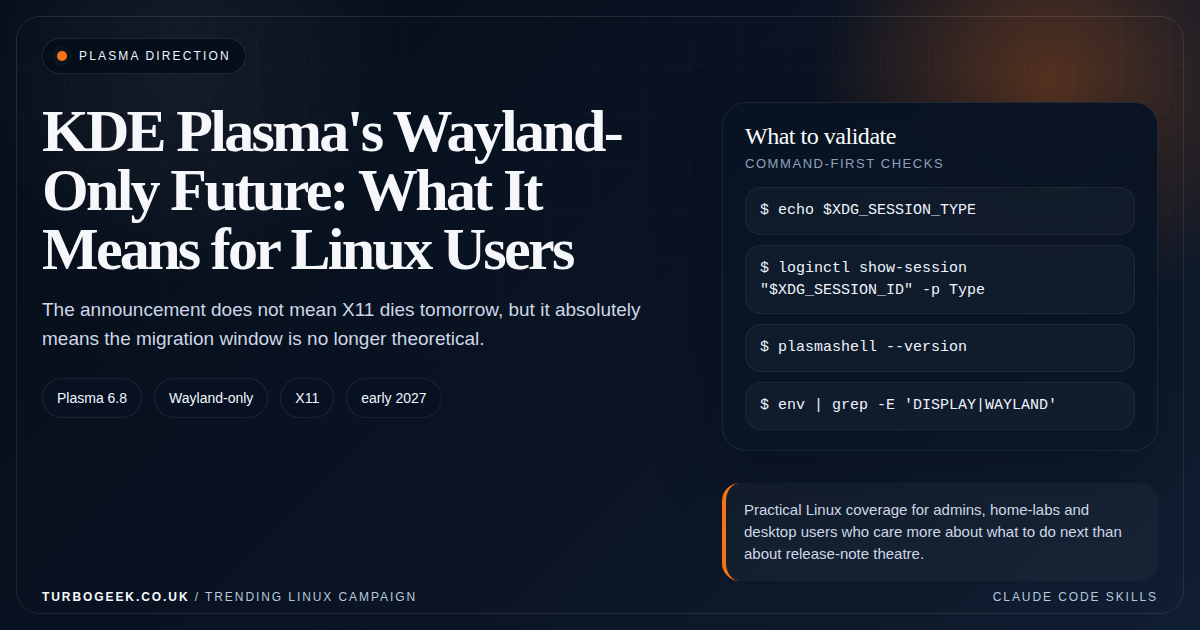
TL;DR – KDE and Wayland
- KDE published the direction on November 26, 2025: Plasma 6.8 is planned as Wayland-exclusive.
- The X11 session is not disappearing overnight: KDE says it should remain supported into early 2027.
- The useful reaction is inventory: figure out which applications, workflows and support tools still need X11.
- If you wait until the drop is imminent, you waited too long.
Start here: If you are already comfortable on Plasma but still rely on one awkward X11-era tool, jump straight to the dependency section here and compare it with How to Enable Remote Access on Ubuntu: SSH vs XRDP vs VNC if remote-control workflows are part of the hesitation.
| Topic | When | What to do |
|---|---|---|
| Normal Plasma user | Mostly modern apps | Start testing Wayland now and keep moving. |
| Power user | Custom scripts and niche desktop tooling | Inventory dependencies before you commit. |
| IT support | You remote into user sessions | Validate support tooling early. |
| Kiosk or lab | Custom display assumptions | Plan a proper migration window. |
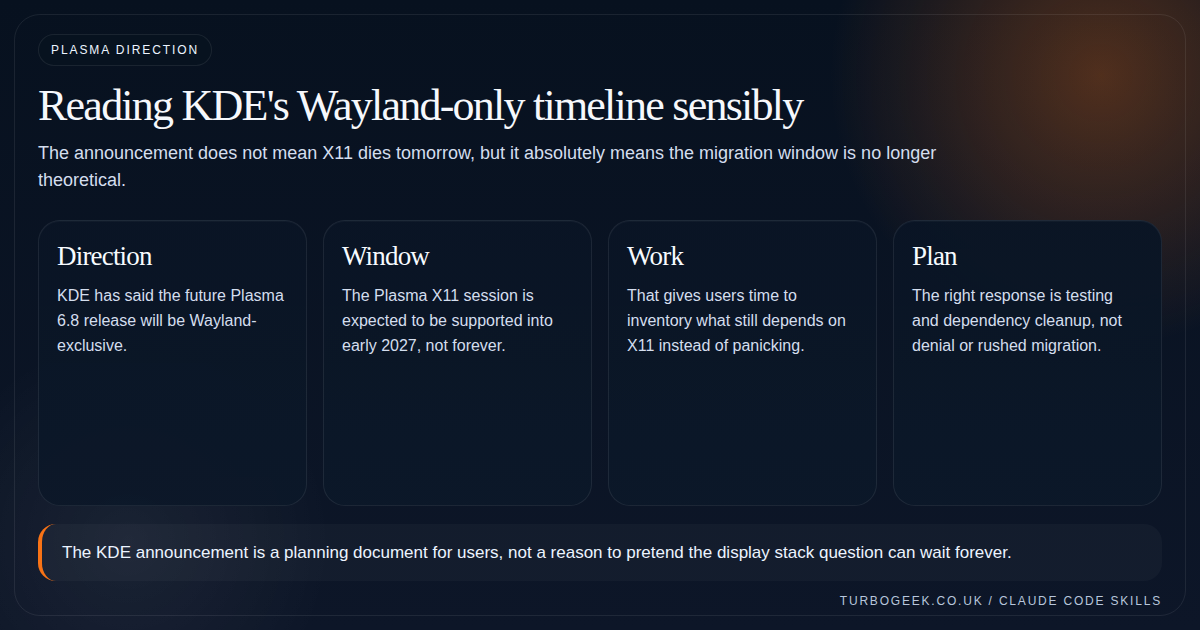
KDE made the direction explicit in late 2025: the future Plasma 6.8 release will be Wayland-exclusive, and the Plasma X11 session is only expected to remain supported into early 2027. That is not the same as saying every Plasma user must switch immediately. It is saying the long middle period is here now.
A useful announcement changes behaviour before the deadline, not at it. KDE’s post should push Linux users to test, inventory and document what still depends on X11 while there is still time to do it calmly.
What the announcement actually means
KDE is not saying X11 applications suddenly stop working. Xwayland remains part of the story. What changes is the existence of a full native Plasma X11 session as a supported target.
That distinction matters because many users hear ‘Wayland-only’ and imagine everything X11-shaped vanishing at once. The more accurate reading is that the session model changes first, while application compatibility continues through Xwayland where needed.
X11-only utilities and what to swap them for
The hardest part of leaving X11 is not the desktop — it is the small utilities you have wired into scripts and habits over the years. Most have a Wayland-native equivalent now. The table below is the swap list I keep open during a Wayland migration:
| X11 tool | What it does | Wayland-native replacement |
|---|---|---|
xdotool | Synthetic input, window control | ydotool (with uinput) or wtype for typing |
xrandr | Configure displays, modes, scaling | kscreen-doctor (KDE), wlr-randr (wlroots), or compositor settings |
scrot / xwd | Take a screenshot from CLI | grim (wlroots), spectacle --background (KDE), gnome-screenshot (GNOME) |
wmctrl | Window manipulation by ID | Compositor-specific (kdotool, swaymsg); often replaced by Activities/keyboard shortcuts |
xclip / xsel | CLI clipboard read/write | wl-copy / wl-paste from wl-clipboard |
xev | Inspect keyboard/mouse events | wev (wlroots-based; runs under most compositors) |
x11vnc | VNC into the current session | KDE Plasma’s built-in Remote Desktop (RDP) or wayvnc for wlroots |
xset | Server-level keyboard/screensaver | kwriteconfig5/6 for KDE or compositor-specific config |
The migration pattern is consistent: X11 had one tool that talked directly to the X server; Wayland splits the same job between the compositor (which now owns input and display) and small protocol-specific clients (wl-clipboard, wlr-randr, etc.). Inventory which X11 tools actually appear in your scripts before the X11 session goes away — that list is usually shorter than people expect.
Who needs to act now?
If your desktop life is straightforward, the answer is simple: keep moving toward Wayland and validate sooner rather than later. If you are the person in your team who maintains scripts, support playbooks, capture tools or kiosk flows, you need to be more deliberate.
The hardest migrations are rarely about the common case. They are about the weird support assumption buried in a single script or internal tool that nobody revisited for years.
- Check remote-support tooling and screen-capture paths.
- Check any desktop automation that assumes X11-specific utilities.
- Check graphics and color workflows that interact with the display stack at a low level.
How to inspect your current dependency on Wayland or X11
Start by confirming which session you already use. Then list the applications that matter and note which ones only behave properly under X11. That sounds basic, but most teams have never written it down.
You do not need a big migration program to start. You need a small, honest list of blockers.
# Confirm the session type on Plasma
echo $XDG_SESSION_TYPE
loginctl show-session "$XDG_SESSION_ID" -p Type
plasmashell --version

# Spot environment differences quickly
env | grep -E 'DISPLAY|WAYLAND'The practical move from here
The KDE post gives you a planning horizon. Use it. Keep ordinary users moving toward Wayland, keep X11-specific dependencies on a short list, and make sure you have an answer for support workflows that still assume the old session will exist forever.
If you want the broader desktop context, pair this with the general Wayland readiness article, then compare the remote-support implications with How to Enable Remote Access on Ubuntu: SSH vs XRDP vs VNC.
Related next steps
- How to Enable Remote Access on Ubuntu: SSH vs XRDP vs VNC
- Nano vs Vim vs Vi: Which Linux Editor Should You Actually Use?
- How to display Line Numbers in Nano, Vi and VIM
- Is Wayland Finally Ready for Daily Linux Use in 2026?
- GNOME 50: The Linux Desktop Changes Worth Knowing
- Should You Upgrade to Ubuntu 26.04 LTS Right Away?
Leave a Reply