
TL;DR – Rust core tools on Ubuntu 26.04
- Ubuntu 26.04 pushes Rust deeper into core system paths: but this is a staged migration, not a blind overnight replacement of every classic command.
sudo-rsis the defaultsudo: Ubuntu still keepssudo.wsavailable for compatibility and fallback.rust-coreutilsis part of the default story: but Canonical’s own April 2026 update sayscp,mvandrmremain GNU in 26.04.- Most people will barely notice interactively: the real scrutiny belongs on old scripts, prompt matching, niche flags and privilege-escalation edge cases.
Start here: If your only concern is whether automation breaks, read What actually changed in Ubuntu 26.04 and Where you might notice a difference first. If you are not even sure what coreutils means, start with the next section.
| Topic | When | What to do |
|---|---|---|
| What coreutils and sudo are | You know the names but not the plumbing | Read the basics first so the rest of the article is not abstract. |
| Ubuntu’s Rust move | You want the motive, not the headline | Focus on the memory-safety and staged-rollout sections. |
| Compatibility risk | You run old scripts or wrappers | Check the changed behaviour and test sections before rollout. |
| Practical impact | You just want the call | Skip to the final section once you understand what really changed. |
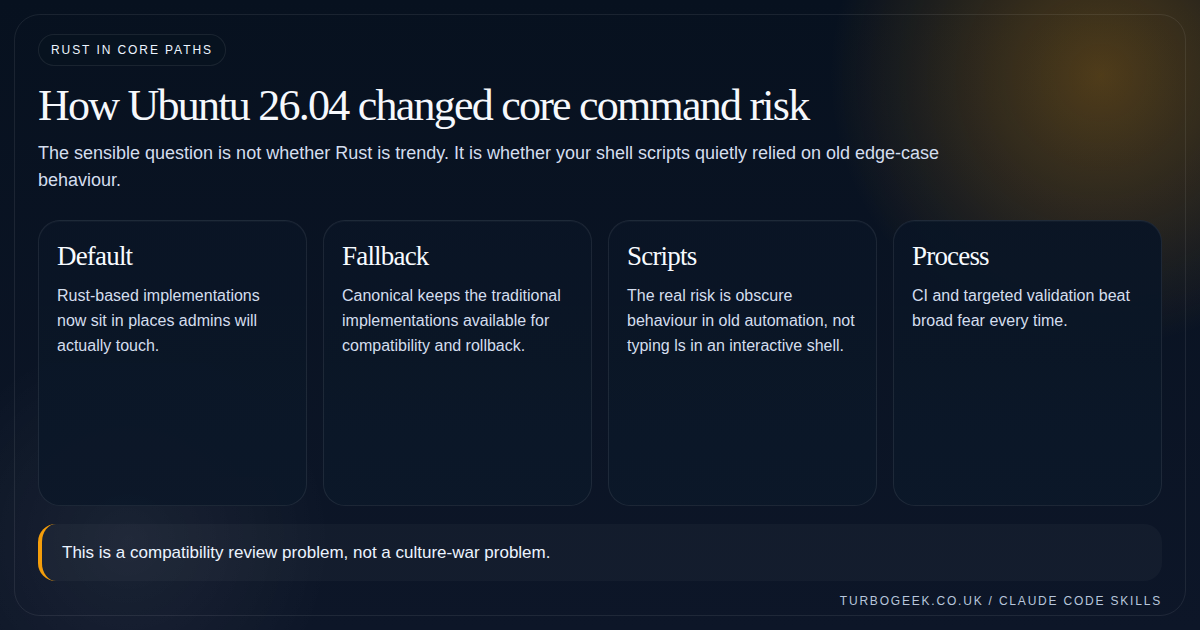
When people hear Rust coreutils and sudo-rs, the easy mistake is to imagine Ubuntu 26.04 swapped out the whole Unix command line in one dramatic move. Ubuntu’s own documentation paints a more careful picture than that.
Canonical is pushing memory-safe implementations deeper into the default system path, but it is doing so in stages, with fallback options and explicit compatibility notes. That is the frame this article needs. Once you start there, the real question becomes much more sensible: where will you actually notice the change, if at all?
What coreutils and sudo actually are
The GNU Coreutils manual describes coreutils as the standard programs for text and file manipulation. In plain English, this is the basic command-line furniture of a Linux system: commands like ls, cat, chmod, mkdir, sort, timeout, and many others you stop consciously noticing after a while.
sudo matters for a different reason. Ubuntu’s own user management documentation explains it as the tool that lets an authorised user temporarily elevate privileges using their own password rather than knowing the root password. So if coreutils is your daily shell plumbing, sudo is one of the main privilege boundaries on the box.
That is why this article should not read like a normal package-upgrade story. Ubuntu is not swapping a wallpaper app here. It is changing parts of the command surface and privilege path that admins, scripts and troubleshooting habits touch every day.
Why Ubuntu is moving these tools toward Rust
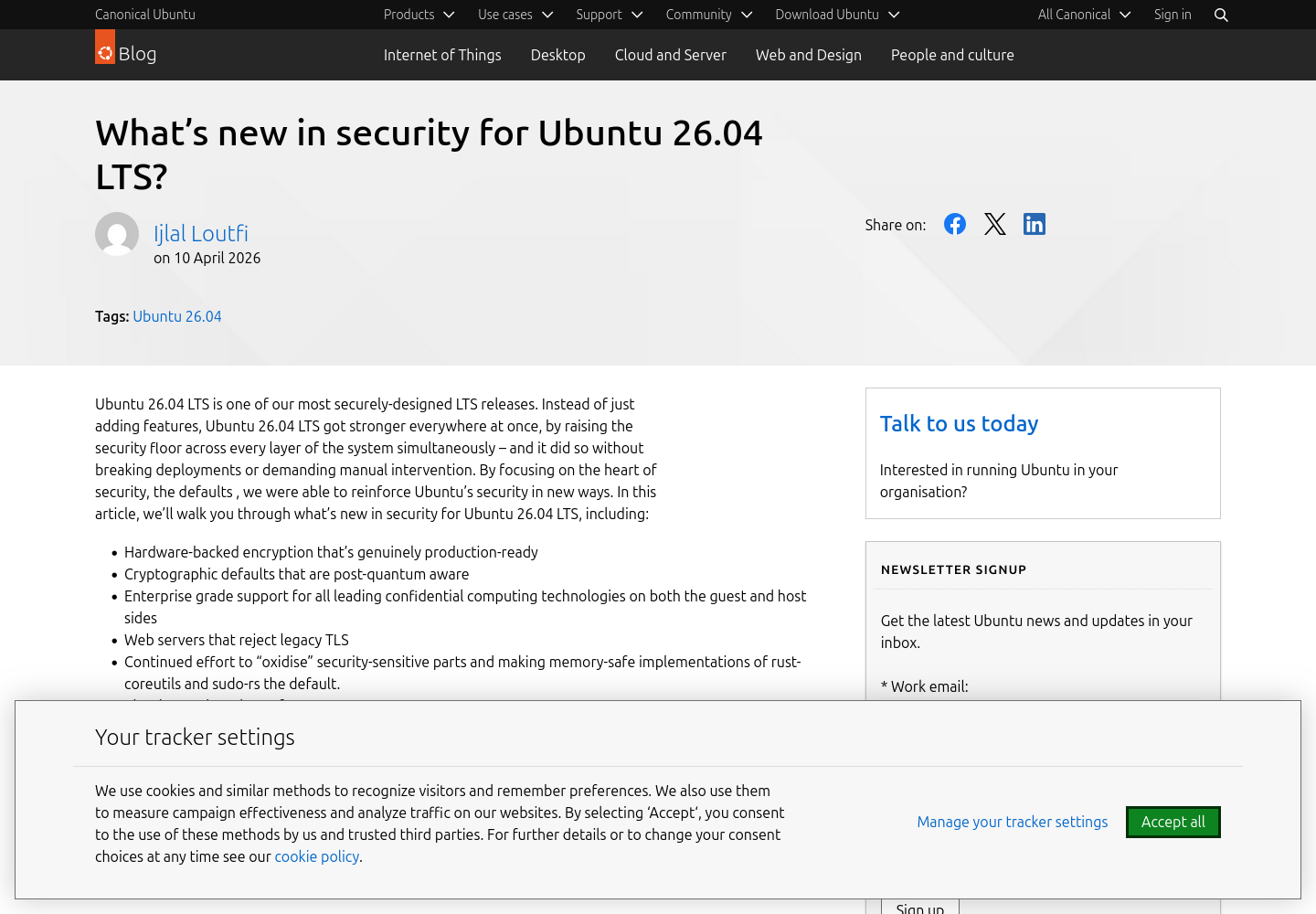
Canonical’s April 10, 2026 security post for Ubuntu 26.04 LTS says the release continues a deliberate effort to strengthen security-sensitive parts of the system by replacing legacy implementations with memory-safe alternatives written in Rust where they are mature enough. It also says the transition follows a staged approach: test in interim releases first, then promote to the LTS only once the tools are considered ready.
That is the key point. Ubuntu is not doing this because Rust is fashionable. It is doing it because privilege escalation and foundational command utilities sit on security-critical paths, and memory-safety bugs in those areas are expensive when they go wrong.
Upstream, the message is similar. The uutils coreutils project describes itself as a Rust reimplementation of GNU coreutils and says its goal is to be a drop-in replacement, with differences from GNU treated as bugs. The uutils test coverage page also makes clear that it is actively tested against the GNU coreutils test suite. So the ambition here is compatibility, not reinvention for its own sake.
What actually changed in Ubuntu 26.04, and what did not
This is where the article needed to become more precise. Ubuntu 26.04 did not turn every foundational command into a Rust implementation in one clean sweep. The official sources show a more nuanced position.
sudois now provided bysudo-rsby default: Ubuntu’s server docs say this has been true from Ubuntu 25.10 onward.- The original
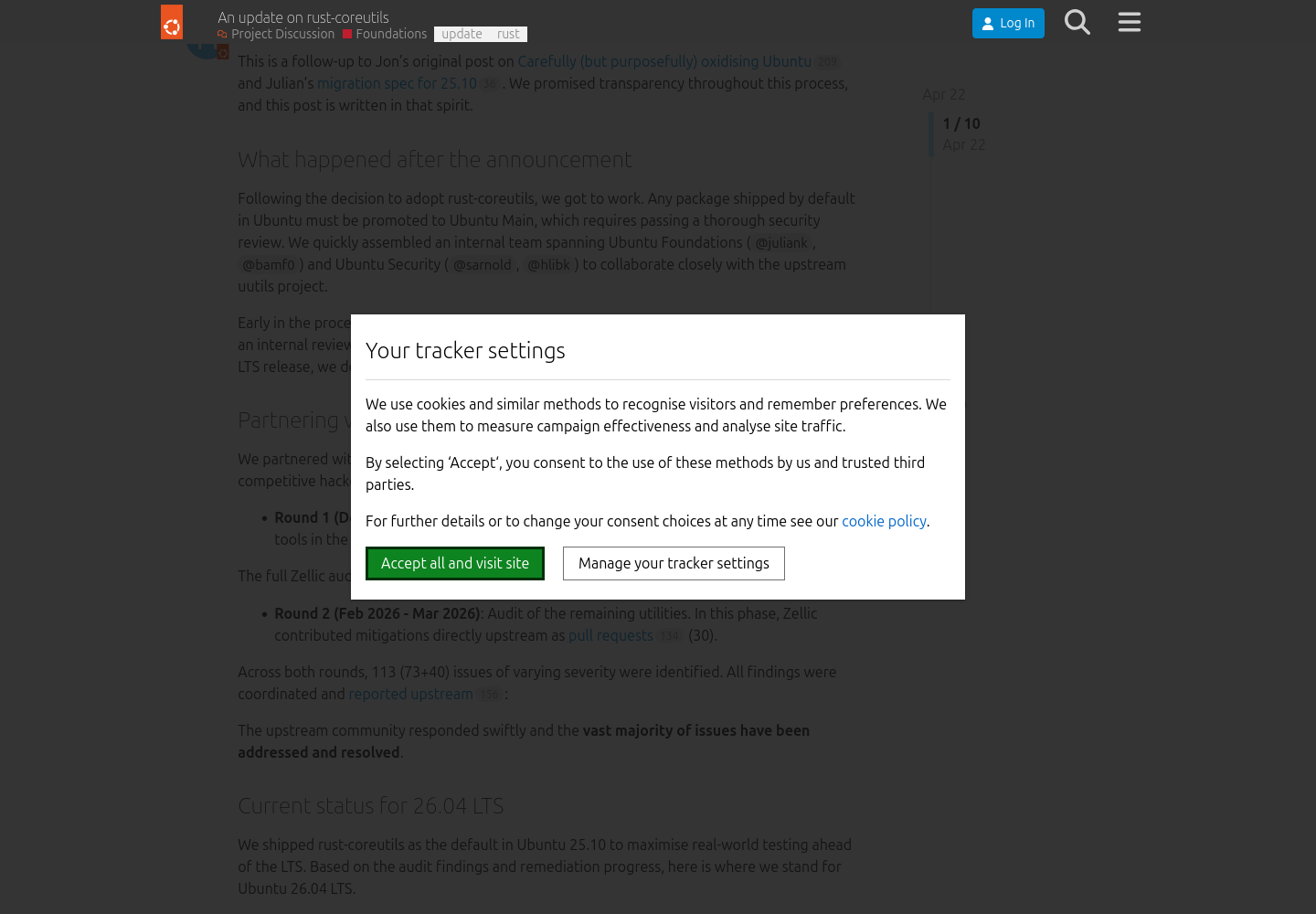
sudois still there: Ubuntu documentssudo.ws,visudo.wsand friends as the fallback implementation, and says you can switch back throughupdate-alternativesif necessary. rust-coreutilsis part of the default provider story: Canonical’s 26.04 security post says it now provides the system’s core utilities.- But not every command moved: Canonical’s April 2026 rust-coreutils status update says
cp,mvandrmcontinue to be provided by GNU coreutils in Ubuntu 26.04 because of remaining TOCTOU issues.
That last point matters because it changes the tone of the whole piece. The real story is partial migration with guardrails, not everything changed, good luck. It also means the sensible admin response is inspection and testing, not sweeping assumptions in either direction.
cp, mv and rm remain GNU in this LTS. Source: Ubuntu Community Hub.Where you might notice the difference
Ubuntu’s server documentation says the majority of common sudo-rs use cases are supported and that the change should be invisible to most users. For everyday interactive shell use, that is probably true. If your normal day is ls, cat, grep, sudo apt update and basic file work, you may notice almost nothing.
The trouble zone is older automation and edge-case behaviour. Ubuntu’s own sudo-rs reference page calls out several concrete differences that are easy to gloss over until they hurt:
- Expect-based automation can fail because the password prompt text differs from classic
sudo. sudoreplayand related I/O logging tools are not supported.sudoers.ldapis not available; LDAP authentication needs to happen through PAM instead.- The project maintains a live CLI flag parity list, which is a polite way of saying you should not assume every obscure switch behaves exactly the same.
For coreutils, the risk shape is similar. The ordinary path is usually boring. The awkward path is old scripts, brittle parsing, strange flags and assumptions nobody documented because the script had been working unchanged since 2018.
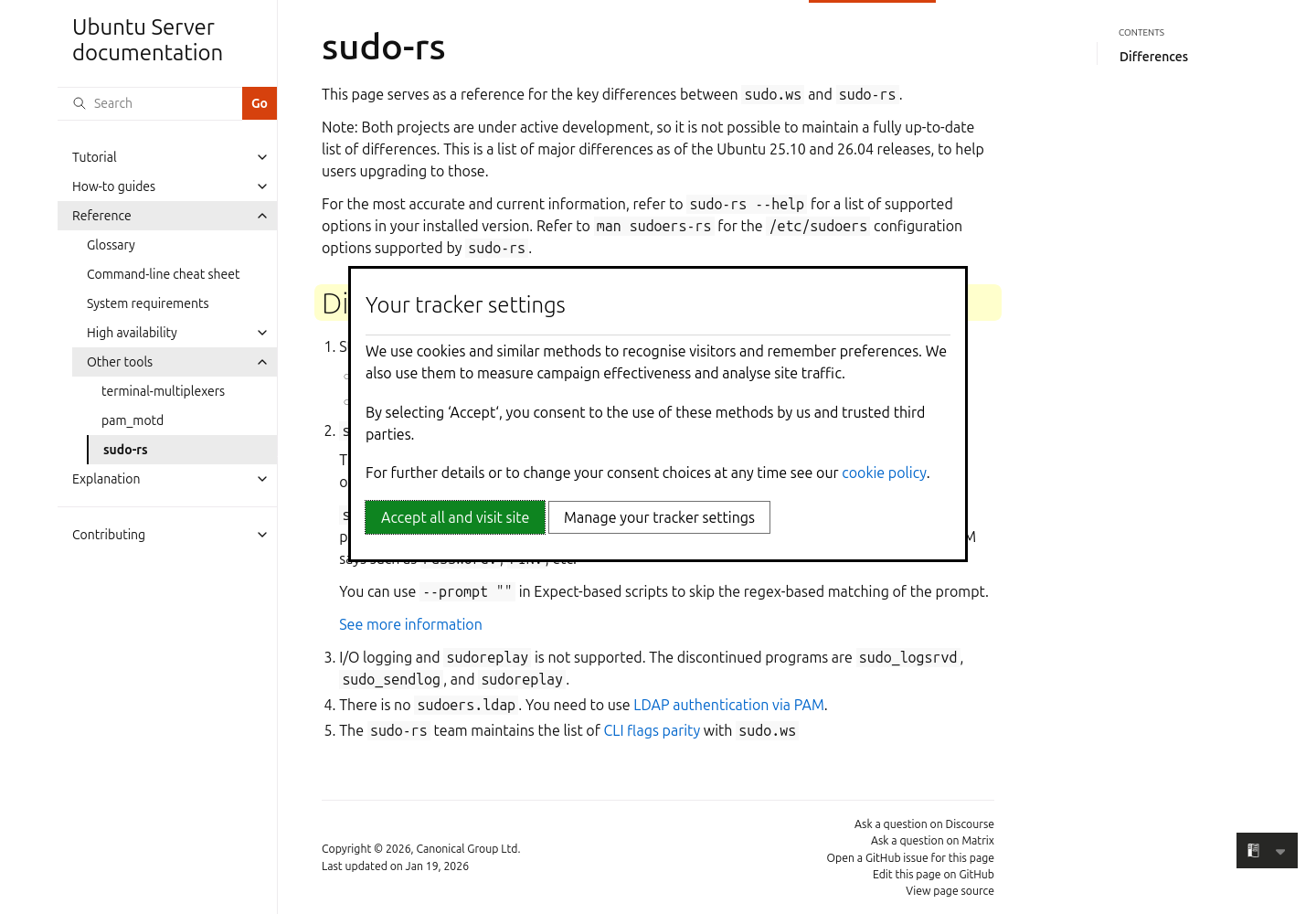
sudo-rs differences plainly, which is exactly where script-heavy admins should look first. Source: Ubuntu Server documentation.How to check and test this sensibly
You do not need a week-long migration programme to handle this well. You need two things: verify which implementation your 26.04 system is actually using for the commands you care about, and then run the scripts and wrappers that matter in a disposable environment before broad rollout.
If you use Expect around sudo, update that first. Ubuntu’s docs specifically suggest using --prompt "" in those scripts to avoid brittle regex matching on the password prompt.
Once you know the real providers, run your shell scripts, provisioning steps and privilege-escalation helpers on a test 26.04 machine. Focus on file operations, weird flags, output parsing, and any place where you wrapped sudo in another tool.
The practical call
Ubuntu 26.04’s Rust-based defaults are worth paying attention to because they move memory-safe implementations into real system paths. But the correct admin response is not fear, applause or culture-war theatre. It is basic operational discipline.
Understand what changed, notice what did not change, and test the automation you actually depend on. If you do that, this becomes a compatibility review problem rather than a surprise outage story.
If you want the broader Ubuntu 26.04 security context around this move, keep Ubuntu 26.04 LTS Security Changes That Actually Matter next to this article. If you want a quick refresher on the everyday commands most likely to be affected, Linux File Management Cheat Sheet is the useful companion.
Related next steps
- Ubuntu 26.04 LTS Security Changes That Actually Matter
- Post-Quantum SSH on Ubuntu 26.04: A Practical Guide
- Linux File Management Cheat Sheet
- Linux SSH Hardening Checklist
- Ubuntu Server First 30 Minutes: The Setup Checklist I’d Use Every Time
- How to Reset a Linux Root Password on Ubuntu, RHEL and Debian
Leave a Reply