
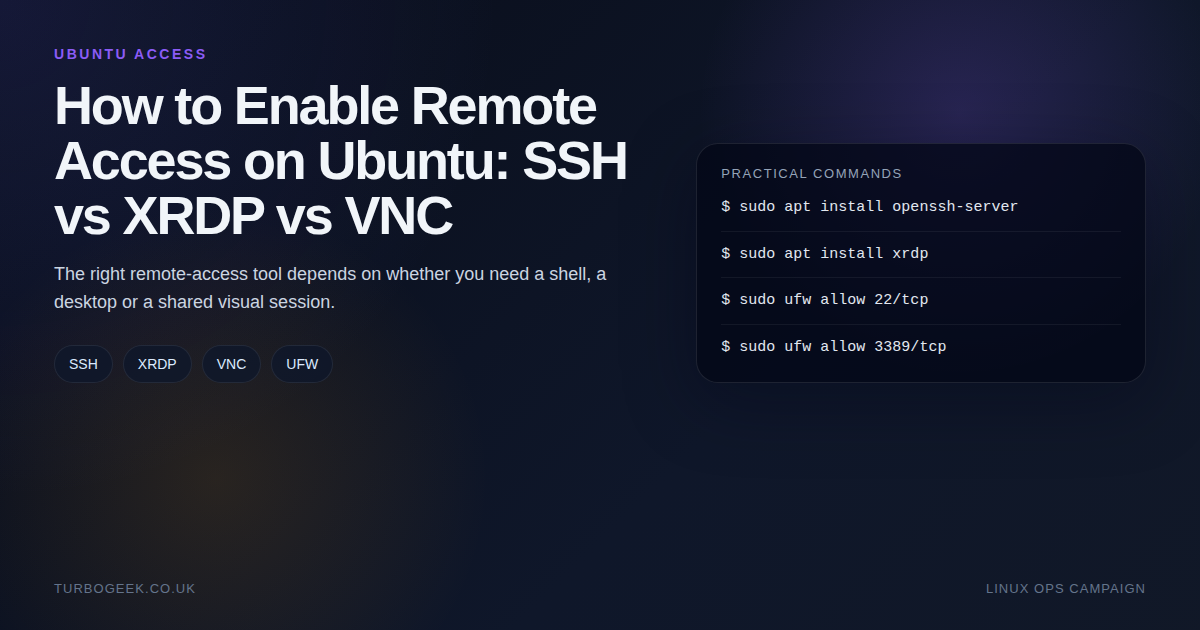
TL;DR – Ubuntu remote access choices
- Use SSH for admin work: It is the default answer for shell tasks, automation and low-overhead maintenance.
- Use XRDP for a full desktop: Especially when your client machine is Windows and RDP is already the habit.
- Use VNC only when you actually need it: Shared sessions and app-level GUI workflows are the usual reasons.
- Do not expose everything: The biggest decision is often how the service is reached, not which service you picked.
Start here: If you already know you want the desktop route, How To Install Xrdp Server On Ubuntu 22.04 is the deeper XRDP walkthrough. This page helps you choose the right access model before you install anything.
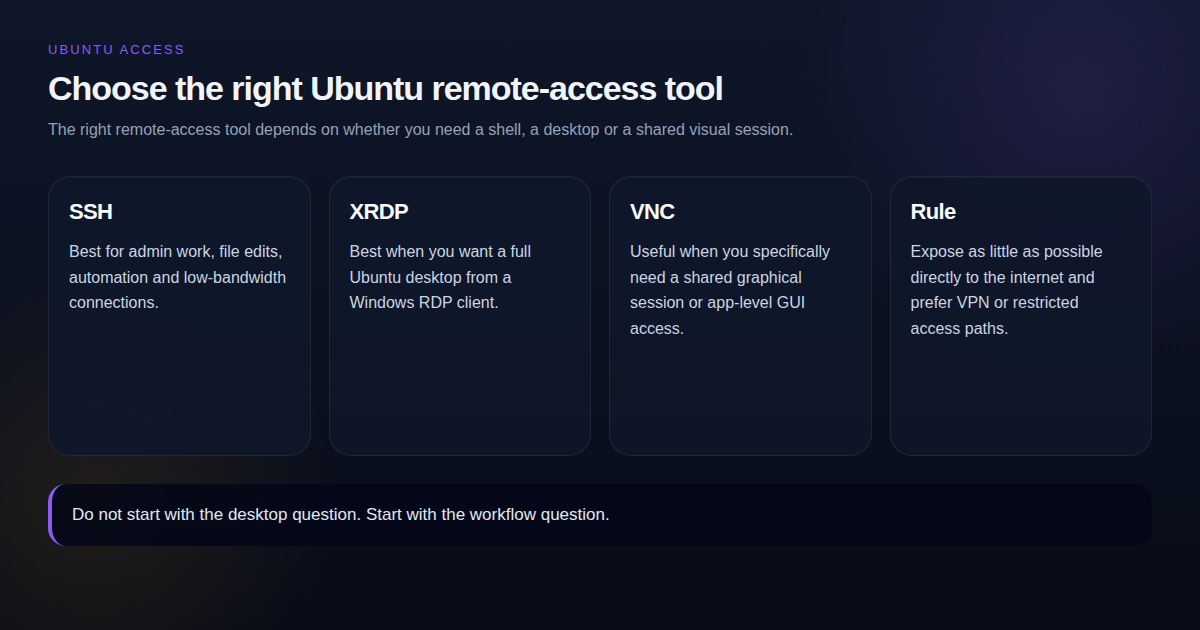
| Tool | When | Command or port |
|---|---|---|
| SSH | Shell admin, files, scripting | sudo apt install openssh-server / TCP 22 |
| XRDP | Full Ubuntu desktop from Windows RDP | sudo apt install xrdp / TCP 3389 |
| VNC | Shared GUI session or specific remote desktop pattern | Usually TCP 5900+ |
| Rule | Any internet-facing setup | Restrict access with VPN, firewall rules or trusted source IPs |
The easiest way to get Ubuntu remote access wrong is to start with the most visual answer instead of the most practical one. Many people install a full desktop stack when what they really needed was a shell, file access and a stable SSH workflow.
Step-by-step: enable Ubuntu remote access safely
Choose the access method based on the outcome you need, not on which screenshot looks friendliest. Shell work wants SSH. A real desktop wants RDP or XRDP. VNC is the special-case path.
SSH: use this for admin and server work
- Install the OpenSSH server package.
- Enable the service immediately and on boot.
- Open TCP 22 in the firewall if
ufwis active. - Test from another machine with
ssh user@serverbefore you expose anything beyond the local network.
sudo apt update
sudo apt install -y openssh-server
sudo systemctl enable --now ssh
sudo ufw allow 22/tcp
hostname -IUbuntu Desktop 24.04+: use the built-in RDP feature first
- Open Settings – System – Remote Desktop.
- Turn on Desktop Sharing if somebody needs to see your current session, or Remote Login if they should log in to their own desktop session.
- Note the generated remote-desktop username, password, host name, and port number. They are separate from your normal login details.
- Allow TCP
3389:3390through the firewall if needed, then connect from a client such as Remmina or the Windows Remote Desktop app.
sudo ufw allow 3389:3390/tcp
sudo ufw reloadXRDP: use this when you need a classic RDP service
- Install the
xrdppackage on the Ubuntu machine. - Enable and start the service.
- Open TCP 3389 in the firewall.
- Connect from Windows Remote Desktop using the Ubuntu machine’s IP or DNS name.
sudo apt update
sudo apt install -y xrdp
sudo systemctl enable --now xrdp
sudo ufw allow 3389/tcpVNC: only when you specifically need VNC semantics
- Install a VNC server such as TigerVNC.
- Set a VNC password with
vncpasswd. - Start a VNC display, for example
:1, which maps to TCP 5901. - Keep VNC on a trusted LAN or behind a VPN rather than forwarding it raw to the internet.
sudo apt update
sudo apt install -y tigervnc-standalone-server tigervnc-common
vncpasswd
vncserver :1
sudo ufw allow 5901/tcpDo not ufw allow 5901/tcp to the internet. Plain VNC is unencrypted and trivially observable. The safe pattern is to bind the VNC display to localhost on the server and reach it from the client through an SSH tunnel — that way you keep VNC’s session semantics without giving the protocol an internet-exposed listener:
If you genuinely need VNC reachable across networks without a tunnel, put it behind a VPN or use the encrypted variant (TigerVNC’s -SecurityTypes options). The default vncserver :1 with no further hardening is a LAN tool, not a public service.
SSH is still the default answer for server work
If the job is package management, config edits, service restarts, logs, automation or file work, SSH is the cleanest path. It is lighter, safer to expose through controlled paths, and much easier to pair with keys, jump hosts and VPN access.
sudo apt update
sudo apt install openssh-server -y
sudo systemctl enable --now ssh
sudo ufw allow 22/tcpXRDP makes sense when you need a real desktop
XRDP is the obvious fit when the user expects a full Ubuntu desktop and is connecting from Windows. It lines up nicely with the native Remote Desktop client and feels familiar to people who already manage Windows boxes that way.
sudo apt install xrdp -y
sudo adduser xrdp ssl-cert
sudo systemctl restart xrdp
sudo ufw allow 3389/tcpIf that is your direction, use How To Install Xrdp Server On Ubuntu 22.04 for the dedicated install and troubleshooting path.
VNC is the niche answer, not the default answer
VNC still has a place. It is useful when you need a shared graphical session, when the workflow is tied to a particular VNC stack, or when you are dealing with a tool that expects that style of desktop access. It is just not the best first answer for most Ubuntu admin tasks.
Security matters more than the access method label
- Expose as little as possible directly to the internet.
- Restrict source IPs where you can.
- Prefer VPN access for GUI protocols.
- Harden SSH properly if it is your main admin channel.
For the SSH side of that conversation, the follow-on guide is Linux SSH Hardening Checklist for Small Servers and Home Labs. For a fresh Ubuntu box, pair this with Ubuntu Server First 30 Minutes
Leave a Reply