
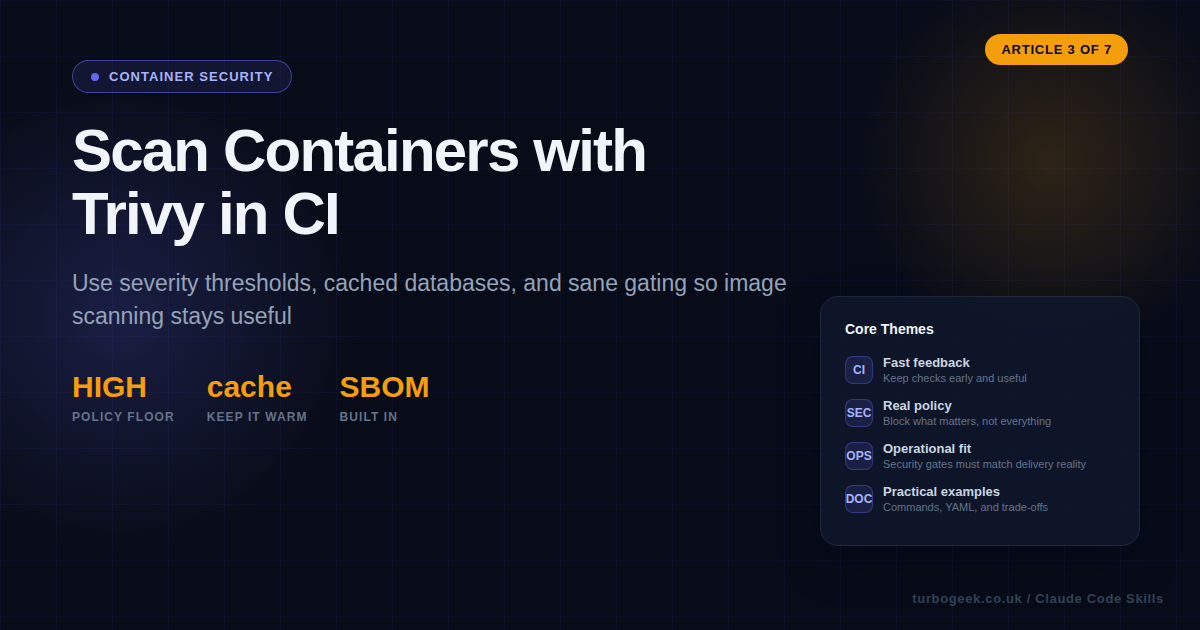
The wrong way to do container security is to scan the source code and assume the final image will probably look similar.
It will not.
The release artifact is the container image. That is what gets deployed, promoted, rolled back, signed, scanned, and blamed when something goes wrong. Your policy should evaluate the image first. Everything else is supporting evidence.
Trivy is popular because it keeps the workflow simple. One tool can check vulnerabilities, misconfigurations, secrets, and SBOM-related detail. The hard part is not installing it. The hard part is setting thresholds, caching the scan data, and placing the checks where developers still take the results seriously.
TL;DR
- Scan the built image, not just the repository checkout.
- Cache Trivy data and limit the gate to high-confidence findings if you want CI to stay fast.
- Use severity and fixability rules that match how your team actually remediates issues.
- A scanner that fails every build eventually teaches the team to ignore security.
| Target | When | Command |
|---|---|---|
| Image | After docker build | trivy image my-app:latest |
| Filesystem | Early repo check | trivy fs --scanners vuln,secret,misconfig . |
| Kubernetes | Cluster summary | trivy k8s --report summary cluster |
| SBOM output | Artifact generation | syft my-app:latest -o cyclonedx-json |
Start here: scan the built image, not just the repo. That is the decision that makes the rest of the workflow coherent.
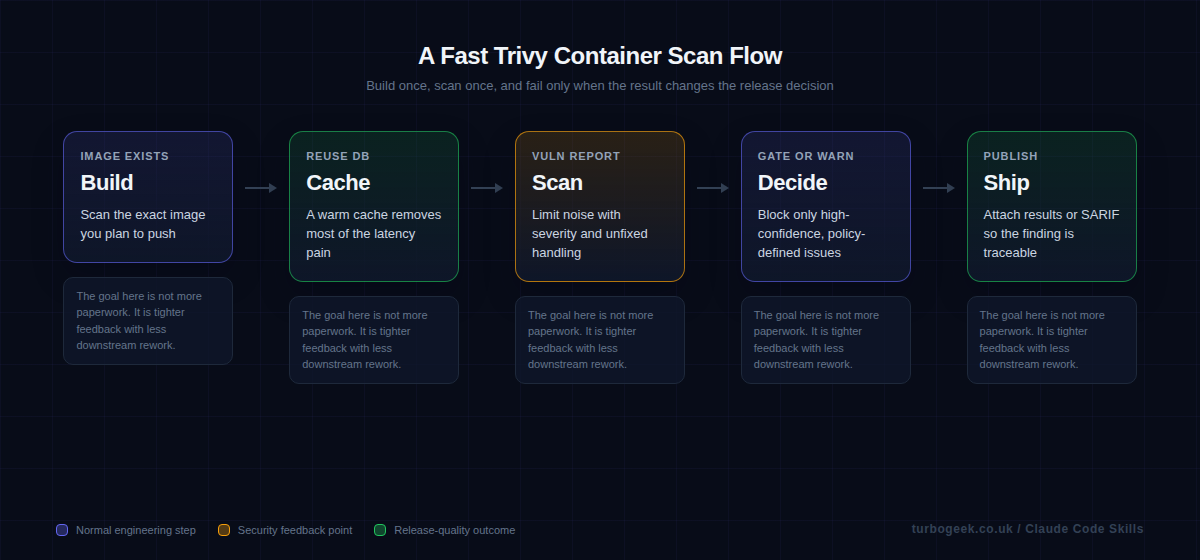
Step-by-step: install Trivy, scan locally, then add CI
The fastest way to make this article practical is to prove the workflow locally first. That gives you a real install, a real image scan, and a severity threshold you can copy into CI instead of guessing.
macOS
- Run
brew install trivy. - Open a new terminal if needed, then verify the CLI with
trivy --version. - Use the same build and scan commands shown below once the binary is on your path.
Linux
- Run the official install script:
curl -sfL https://raw.githubusercontent.com/aquasecurity/trivy/main/contrib/install.sh | sudo sh -s -- -b /usr/local/bin.- Verify the installation with
trivy --version- Continue with the same local image and config scans shown below.
Windows
- Open the latest Trivy release and download the current Windows 64-bit zip.
- Extract it into a stable folder, such as
C:\Tools\trivy. - Add that folder to your Windows
PATH, open a new PowerShell window, and runtrivy --version. - Use the same
docker build,trivy image, andtrivy configcommands below once the CLI is available.
- Install Trivy on your workstation using the official path for your operating system.
- Verify the CLI
trivy --version, so you know the binary is actually on your path. - Build the same image your pipeline builds, for example
docker build -t my-app:local .. - Run an image scan that blocks only the severities you truly care about. Most teams start with
HIGH,CRITICALand--ignore-unfixed. - Run a config scan on the repo as well, because Dockerfile and IaC mistakes do not show up in an image vulnerability scan.
- Once the local commands are sensible, copy the same policy into GitHub Actions and upload SARIF into GitHub Security.
A minimal GitHub Actions workflow then looks like this:
name: container-security

on:
  pull_request:
  push:
    branches: [main]

jobs:
  trivy:
    runs-on: ubuntu-latest
    permissions:
      contents: read
      security-events: write

    steps:
      - name: Checkout code
        uses: actions/checkout@v4

      - name: Build image
        run: docker build -t my-app:${{ github.sha }} .

      - name: Cache Trivy DB
        uses: actions/cache@v4
        with:
          path: ~/.cache/trivy
          key: ${{ runner.os }}-trivy-${{ hashFiles('Dockerfile') }}
          restore-keys: |
            ${{ runner.os }}-trivy-

      - name: Scan image
        uses: aquasecurity/[email protected]
        with:
          image-ref: my-app:${{ github.sha }}
          format: sarif
          output: trivy.sarif
          severity: HIGH,CRITICAL
          ignore-unfixed: true
          exit-code: 1

      - name: Upload SARIF
        if: always()
        uses: github/codeql-action/upload-sarif@v4
        with:
          sarif_file: trivy.sarif
Security note: the aquasecurity/trivy-action repository was compromised in a March 2026 supply-chain attack affecting tags 0.0.1 through 0.34.2. Pin to 0.36.0 or later, and ideally pin to a full commit SHA rather than a moving tag — for example aquasecurity/trivy-action@<sha> # v0.36.0. The same applies to every third-party action you depend on.
Scan the built image, not just the repo
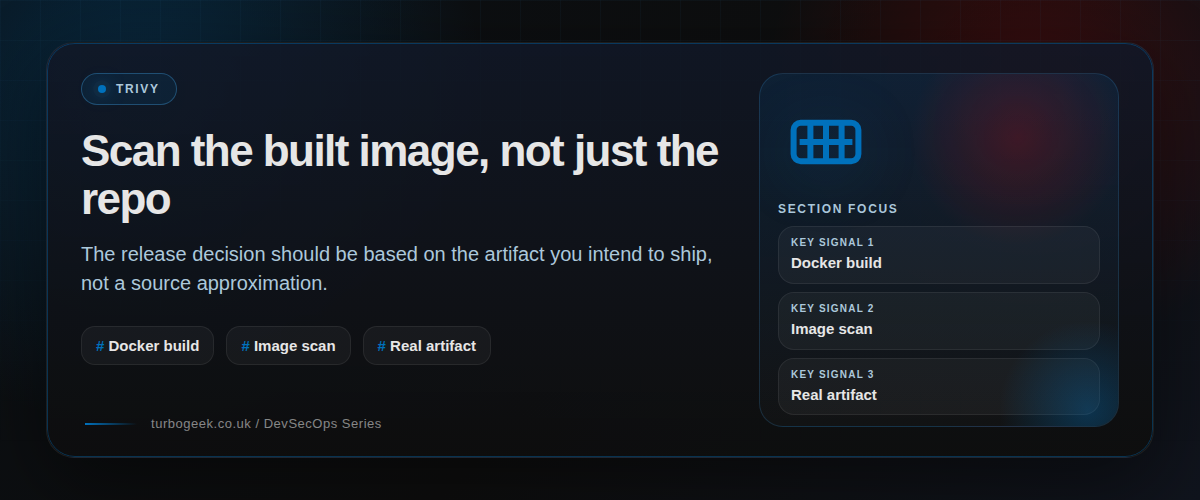
The image is where the operating-system packages, copied files, and built dependencies actually come together. That makes it the right unit for a shipping decision. A repository scan is still useful, but it answers a different question from an image scan.
When teams only scan the repo, they miss drift introduced by the base image, the package manager state inside the build, or files copied during the Docker build. Scanning the image closes that gap and gives you a result you can tie directly to the artifact digest.
Use the GitHub Action to keep the workflow readable
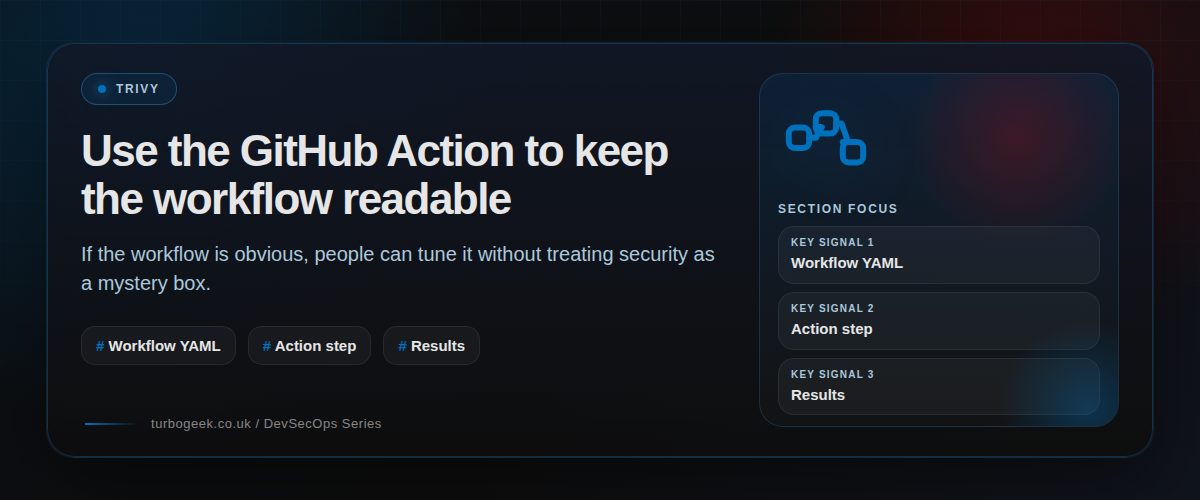
The official Trivy action keeps a container-scan job understandable. That matters because security jobs become shelfware when nobody wants to touch the YAML after the first engineer leaves. A readable job is maintainable policy.
The minimum useful gate is usually a built image, a severity threshold, and an explicit exit code. That is enough to make the job enforceable without pretending every low-severity library issue deserves to block release.
Caching and severity discipline are what make the job usable
A slow scan is not just annoying. It changes behaviour. Developers stop waiting for the result, reviewers stop checking it, and the organisation quietly learns that security checks are background noise. Trivy caching matters because it removes a lot of that friction.
Just as important is limiting the failing gate to findings that the team is prepared to act on. Critical and high findings are a reasonable starting point. Fixability, exploitability, and whether the vulnerable component is even in the runtime path all matter when you tune the policy later.
Know when to fail and when to warn
Not every vulnerability report deserves the same reaction. A critical issue in a live runtime dependency with a known fix is different from an unfixed medium issue in a build-only toolchain component. DevSecOps gets stronger when policy acknowledges that difference instead of flattening it.
If you are already using GitHub branch protections, your post on automating branch protection rulesets is a good companion here. The scan matters more when the merge rules around it are explicit and enforced.
Example workflow
These are the two snippets most teams need first: a local image scan and a CI job that gates on serious findings.
Local image scan with a hard failure on high and critical findings:
trivy image --severity HIGH,CRITICAL --exit-code 1 my-app:latestGitHub Actions job using the official Trivy action:
name: build
on:
  pull_request:
  push:
    branches: [main]

jobs:
  build:
    runs-on: ubuntu-24.04
    steps:
      - name: Checkout code
        uses: actions/checkout@v4
      - name: Build image
        run: docker build -t docker.io/my-organization/my-app:${{ github.sha }} .
      - name: Run Trivy vulnerability scanner
        uses: aquasecurity/[email protected]
        with:
          image-ref: 'docker.io/my-organization/my-app:${{ github.sha }}'
          format: 'table'
          exit-code: '1'
          ignore-unfixed: true
          vuln-type: 'os,library'
          severity: 'CRITICAL,HIGH'
FAQ
Should I scan the filesystem or the image?
Scan both, but use them for different purposes.
Use filesystem scans early in the pipeline for fast feedback on the repo, Dockerfile, IaC, secrets, and configuration mistakes.
Use image scans as the release gate because the image is the artifact you actually ship.
Why do Trivy scans feel slow sometimes?
Database downloads and repeated cold starts are usually the reason.
Cache the Trivy database, avoid unnecessary rebuilds, and keep the scan context focused. CI security checks need to be fast enough that developers still care about the result.
Should I fail on every finding?
No.
Start with a narrow fail policy: usually high and critical findings that affect the shipped artifact.
Broader policy can come later once the team trusts the workflow.
Should I ignore unfixed vulnerabilities?
Usually, yes, at least for the first gate.
An unfixed vulnerability may still matter, but it is harder for a developer to act on it immediately. A practical first gate should focus on issues the team can remediate.
You can still report unfixed findings without blocking every merge.
Where does SBOM generation fit?
SBOM generation fits after the image build, alongside scanning and artifact publishing.
The image is still the unit of truth. Generate the SBOM from the built artifact to reflect what you are actually shipping.
Related: GitHub CLI Secrets: Automate Branch Protection Rulesets is the policy-side companion to this article. The scan becomes much more valuable when the merge rules around it are explicit.
Leave a Reply