
TL;DR – Wayland in 2026
- Wayland is now normal for many users: GNOME, KDE, and several distros have already made that decision in practice.
- The remaining friction is workflow-specific: remote desktop, unusual capture paths, old utilities, and proprietary oddities still matter.
- KDE’s published direction makes the trend clear: Plasma 6.8 is planned to be Wayland-exclusive, with X11 support running only through early 2027.
- Test your own path: if your tools are mainstream, Wayland is probably ready. If your setup is weird, verify before you commit.
Start here: If you only need a quick answer, check the ‘Where Wayland still bites’ section first, then compare it with ‘How to Enable Remote Access on Ubuntu: SSH vs XRDP vs VNC’ if remote workflows are the reason you still care about X11.

| Topic | When | What to do |
|---|---|---|
| General desktop | Web, terminals, office apps, and normal media | Wayland is usually fine today. |
| Remote work | Screen sharing, remote control, and capture-heavy use | Test carefully before standardizing. |
| Gaming and GPUs | Modern drivers and compositors | Often fine, but verify overlays and capture tools. |
| Niche tooling | Old utilities or custom kiosk flows | Assume nothing and test end-to-end. |
What is Wayland?
Wayland is the modern display protocol and graphics architecture that is replacing X11 on Linux desktops. In simple terms, it defines how applications talk to the system that draws windows on the screen and handles keyboard, mouse, touch, and display output. Under Wayland, the compositor does the work that used to be split across the X server, window manager, and compositor in older Linux desktop stacks.
That architectural change is the real point. With X11, the display stack grew over the decades and became quite complex. With Wayland, the compositor is the display server, input is routed more directly, and applications render their content in a way that fits modern graphics stacks much more naturally. The goal is not novelty for its own sake. It is a simpler model that is easier to maintain and better aligned with current Linux graphics and input systems.
For users, that usually translates into smoother rendering, better scaling behavior, stronger security boundaries, and a desktop model that better fits modern compositing than X11. It does not mean every old workflow works perfectly out of the box. That is why Xwayland still matters: it lets many existing X11 applications keep running inside a Wayland session while the broader ecosystem continues to catch up.
How to inventory your own Wayland readiness
Before deciding whether Wayland is ready for you, get an honest read of what your current desktop is doing. The block below tells you whether you are already on Wayland, what is going through Xwayland, and which X11-only utilities you still reach for. Run it on the desktop you actually use, not the one you wish you used.
If xlsclients is empty and the only Xwayland process is the one your compositor starts on demand, you are already living in Wayland. If your which output flags xdotool or scrot, those are the workflows worth migrating to ydotool/wtype and grim/spectacle before you depend on Wayland-only desktops.
So, is Wayland Finally Ready for Daily Linux Use in 2026?
By 2026, the question has changed. A few years ago, people asked whether Wayland could replace X11 at all. The better question now is whether your exact workflow still needs the old stack.
Two signals make the direction hard to ignore. GNOME 50 shipped meaningful remote desktop improvements in March 2026, and KDE has already said Plasma 6.8 will be Wayland-exclusive, with KDE’s X11 session only supported into early 2027. That does not mean every edge case is solved. It does mean the default answer is no longer ‘Wayland is not ready.’
Where Wayland already feels normal
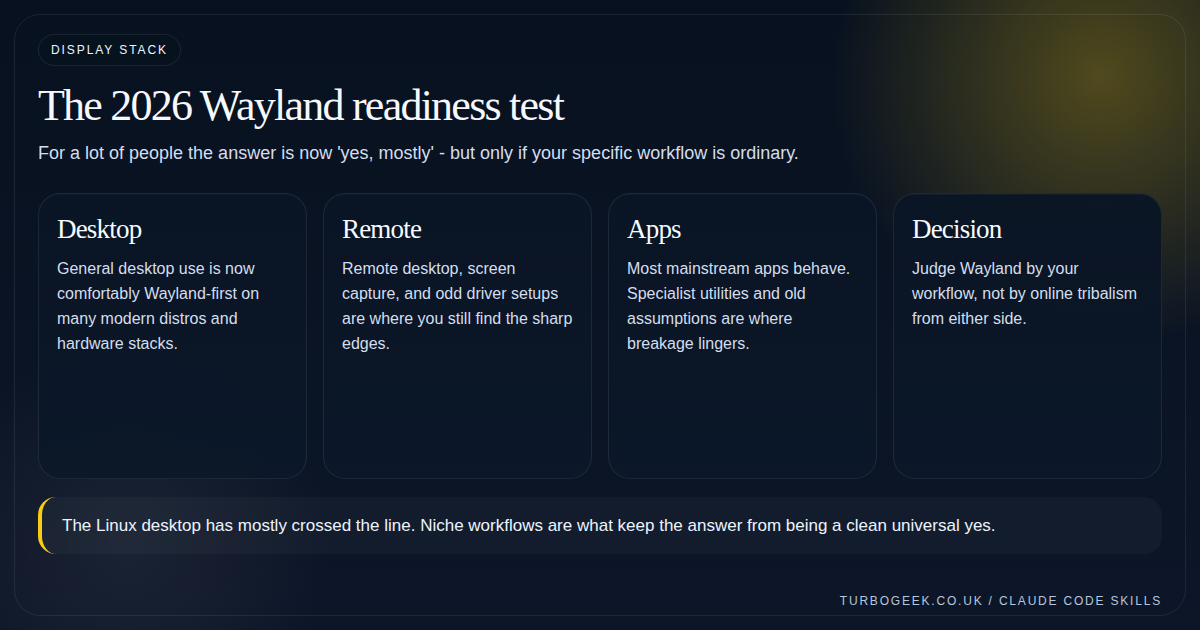
If your day is browsers, terminals, IDEs, office apps, and mainstream desktop utilities, Wayland is now ordinary rather than experimental. This is especially true on GNOME and increasingly true on KDE when hardware and drivers are reasonably current.
The biggest practical sign is that users stop thinking about the protocol at all. If input, window movement, multiple monitors, and power behavior all work without drama, you are already at the point where Wayland has done its job.
Where Wayland still bites
The remaining pain is not evenly distributed. Remote desktop, screen capture, specialist color workflows, unusual KVM chains, and old applications that assume X11 semantics are where the friction still concentrates.
GNOME 50 improved the built-in remote desktop with hardware acceleration, explicit sync support for NVIDIA users, HiDPI scaling, and camera redirection. That is real progress. It is not the same thing as every remote workflow now being perfect.
- Expect extra validation for niche capture tools, proprietary utilities, and old enterprise desktop stacks.
- Keep Xwayland in mind for applications that are still fundamentally X11-shaped.
- Treat each workflow separately: remote support, design, gaming, and VDI all stress the stack differently.
How to test your own session instead of arguing on the internet
A decent readiness test is boring. Log in, confirm the session type, run the real applications you depend on, use your normal monitor layout, try screen sharing, and see what breaks. If you never use half the edge cases people complain about, their pain is not automatically your pain.
The reverse is also true. If your workflow depends on a single cranky tool, that tool can outweigh a hundred generic success stories.
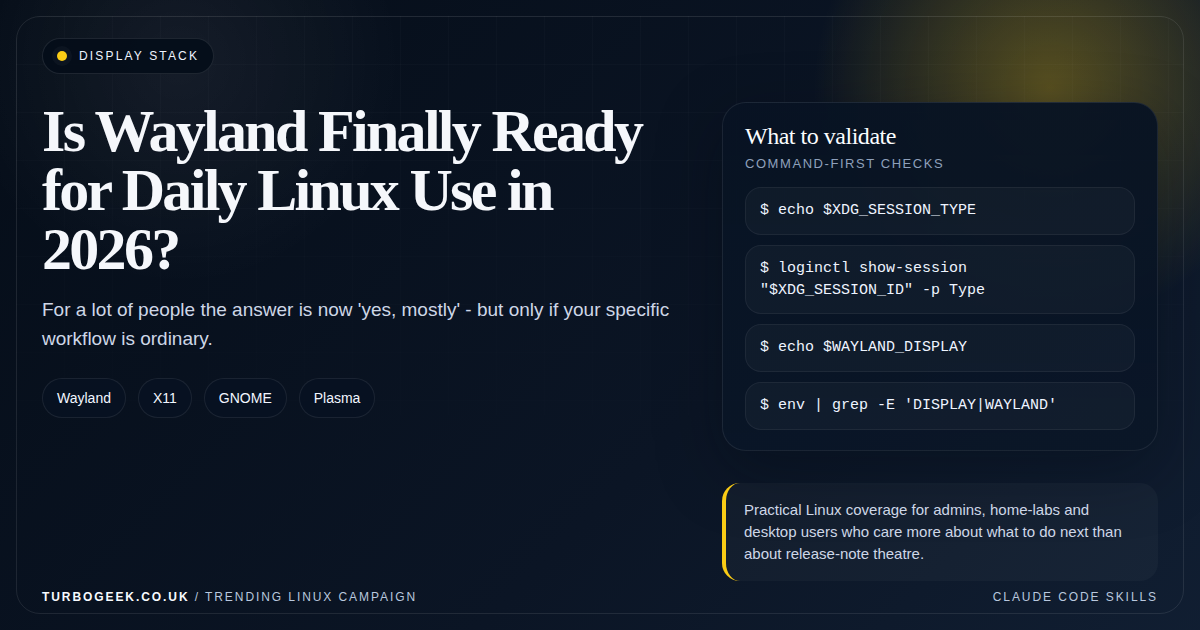
# Confirm the active session type
echo $XDG_SESSION_TYPE
loginctl show-session "$XDG_SESSION_ID" -p Type
echo $WAYLAND_DISPLAY

# Quick environment sanity check
env | grep -E 'DISPLAY|WAYLAND'The practical answer
Wayland will be ready for daily Linux use in 2026 for a large share of typical users. That is the honest baseline now. The reason the answer is not universally clean is that Linux users still do a lot of weird and wonderful things at the edge.
If you run GNOME or KDE on mainstream hardware, start from a place of optimism. If your job depends on remote desktop, fallback tools, or niche graphics workflows, keep testing and keep a documented escape hatch. For remote-access-specific choices, How to Enable Remote Access on Ubuntu: SSH vs XRDP vs VNC is still the more useful operational guide.

Leave a Reply