
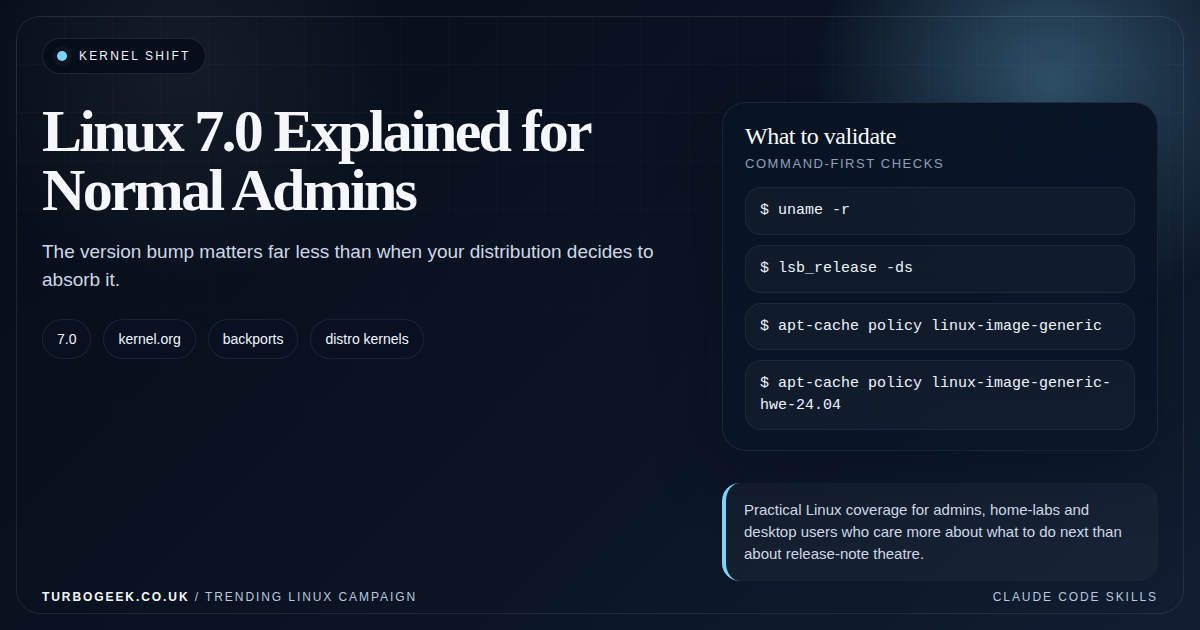
Updated 22 June 2026: Linux 7.1.1 is now listed as stable by kernel.org, while Linux 7.0.13 remains a maintained stable release. This article explains the changes introduced in Linux 7.0 and whether they justify changing a supported distro kernel.
Linux 7.0 was released on 12 April 2026. The major version looks dramatic, but it was not a compatibility reset or a signal that every server needed an emergency upgrade. Linus Torvalds moved the version from 6.x to 7.x because the previous minor number had become large, not because the kernel suddenly became a different operating system.
For administrators, the useful question is not “How do I install 7.0?” It is “Does this release contain a change that solves a problem I actually have, and how will my distribution deliver it?”
Linux 7.0 changes that matter operationally
| Change | Who should care | Practical meaning |
|---|---|---|
| File-I/O error-reporting API | Storage, database and filesystem developers | Applications can gain better visibility into writeback and filesystem errors as software adopts the API |
| XFS health monitoring | Administrators with large XFS estates | New health information provides a foundation for better detection and repair workflows |
| Clang static-analysis support | Kernel builders and CI maintainers | More defects can be identified during kernel development and custom build pipelines |
| io_uring filter improvements | Platform and high-performance application engineers | More control over which io_uring operations a workload may issue |
| New open_tree() flags | Container-runtime developers | Simpler and faster construction of some container mount trees |
| Swap-table performance work | Memory-constrained and swap-heavy systems | Potentially better behaviour under swapping pressure, subject to workload testing |
| AccECN enabled by default | Network engineers | Better TCP congestion feedback where the full path supports Accurate ECN |
| Experimental Btrfs remap tree | Btrfs testers and developers | Interesting development work, not a reason to enable an experimental feature on production data |
That list is more useful than the number on the release. A container host may benefit indirectly from mount and networking work. An XFS-heavy storage platform has a concrete feature to investigate. A stable VM serving a small website may notice nothing.
Your distro kernel is the product you operate
Ubuntu, Debian, RHEL and SUSE do not simply hand you an untouched kernel.org tarball. They configure, package, test and support a kernel for their release. They also backport selected fixes without changing the major version shown by uname -r.
That is why an older-looking vendor kernel is not automatically missing every later fix. It is also why reading a CVE or feature description and comparing only version numbers can be misleading. Check your distribution’s package changelog and security notice.
# Kernel currently running
uname -r

# Distribution identity
cat /etc/os-release

# Ubuntu/Debian package candidate and installed version
apt-cache policy linux-image-generic

# Recent Debian/Ubuntu package changelog entries, when available
apt changelog linux-image-generic | less

# RHEL-family installed kernel packages
rpm -q kernel

# RHEL-family available kernel updates
dnf check-update kernel
Package names vary by distribution, architecture and enablement track. Do not assume that a package name copied from another Ubuntu release exists on yours. Use apt search, your vendor documentation and the repository configured on the host.
When I would test a newer kernel
- A new GPU, Wi-Fi adapter, storage controller or laptop platform lacks support in the current distro kernel.
- A documented filesystem or networking fix addresses a problem I can reproduce.
- A security feature is required for a controlled project and is not available through the vendor kernel.
- I maintain an out-of-tree module and need to test compatibility before customers encounter the new kernel.
- The machine is a lab system whose purpose is upstream testing.
In each case I want a written reason, a rollback path and a test that proves whether the new kernel helped. “7 is newer than 6” is not a change justification.
When I would stay on the vendor kernel
For production LTS servers, managed Kubernetes nodes, revenue-generating systems and machines with third-party kernel modules, supportability normally matters more than novelty. Consume the vendor’s security updates and hardware-enablement path unless you have a specific, tested reason to diverge.
A hand-installed mainline kernel can complicate DKMS modules, secure boot, monitoring, support cases and future upgrades. The cost is not only the installation; it is every later incident where the non-standard kernel becomes another variable.
Containers do not bring their own kernel
A container image carries user-space files, but containers use the host kernel. Upgrading packages inside the image does not add a new host syscall or kernel security feature. If a workload requires a Linux 7.0 capability, the node kernel and the surrounding runtime must support it.
# On the host
uname -r

# Inside a normal container: usually the same host kernel
docker run --rm alpine uname -r
This is one reason platform teams should record node-kernel versions separately from application-image versions.
My verdict in June 2026
Linux 7.0 contains real engineering work, but most administrators should consume that work through their distribution. Linux 7.1 has already arrived upstream, which reinforces the point: chasing each mainline release is a treadmill unless testing mainline kernels is part of your job.
Read the release notes, identify a feature relevant to your estate, and check how your vendor plans to deliver it. If you cannot name the problem the new kernel solves, keep the stable system boring.
Sources and further reading
- kernel.org release status
- KernelNewbies Linux 7.0 feature summary
- Ubuntu release and hardware-enablement lifecycle
- Red Hat kernel backporting policy
Related TurboGeek guides: my first 30 minutes on an Ubuntu server, the Linux SSH hardening checklist, and whether to upgrade to Ubuntu 26.04 immediately.
Leave a Reply