
Category
Category: Monitoring
Set up and manage monitoring solutions for infrastructure and applications. Includes Grafana dashboards, alerting, and observability practices.
-
How to Install Grafana and Prometheus on Ubuntu 24.04
This guide provides a secure and efficient method for deploying a monitoring stack on Ubuntu 24.04. You will install Prometheus to collect metrics, Node Exporter to expose system… Read the guide
-
How to Install Glances on Ubuntu (APT, Pipx and Pip Guide)
If you want the distro overview first, start with How to Install Glances on Linux. This page is focused on Ubuntu specifically and compares the three main install… Read the guide
-
Install the Grafana TIG Stack on Ubuntu
Install Grafana, Telegraf, and InfluxDB on Ubuntu, connect the data source, import dashboards, and verify a working TIG monitoring stack. Read the guide
-
Your Grafana Certificate (HTTPS SSL) Questions Answered: Practical Guide
Concerned about the security of your Grafana data? A Grafana Certificate provides a critical layer of protection against unauthorized access and data breaches. Learn how Grafana certificates leverage… Read the guide
-
Grafana Versions: Cloud vs Community Edition
If you’re weighing up Grafana Versions: Cloud vs Community Edition, this breakdown focuses on the differences that actually affect day-to-day use instead of brochure-level claims. Read the guide
-
How to Install Grafana on a Raspberry Pi
As IT professionals, we always look for powerful and cost-effective tools to help us monitor and visualize data. Enter Grafana, an open-source platform that allows us to create… Read the guide
-

Grafana SSL Setup: Enable HTTPS with a Trusted Certificate
Configuring SSL/TLS to enable HTTPS on your Grafana instance is a critical step to protect your data, credentials, and visualizations. This guide provides a clear, step-by-step process for… Read the guide
-
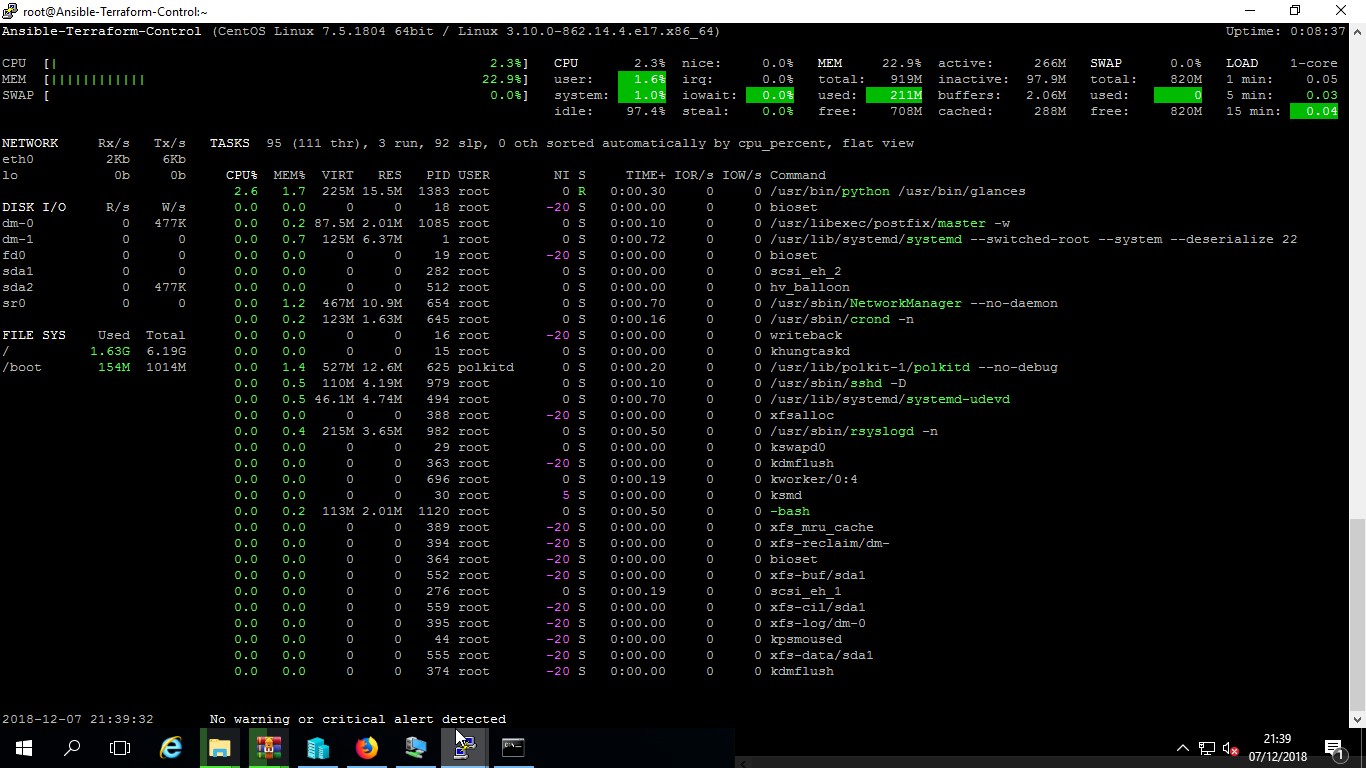
Install Glances on Linux: Ubuntu, RHEL and Rocky
Choose the right Glances install method for Ubuntu, RHEL, Rocky, AlmaLinux, CentOS Stream, legacy systems, pipx, Docker, and the web UI. Read the guide