
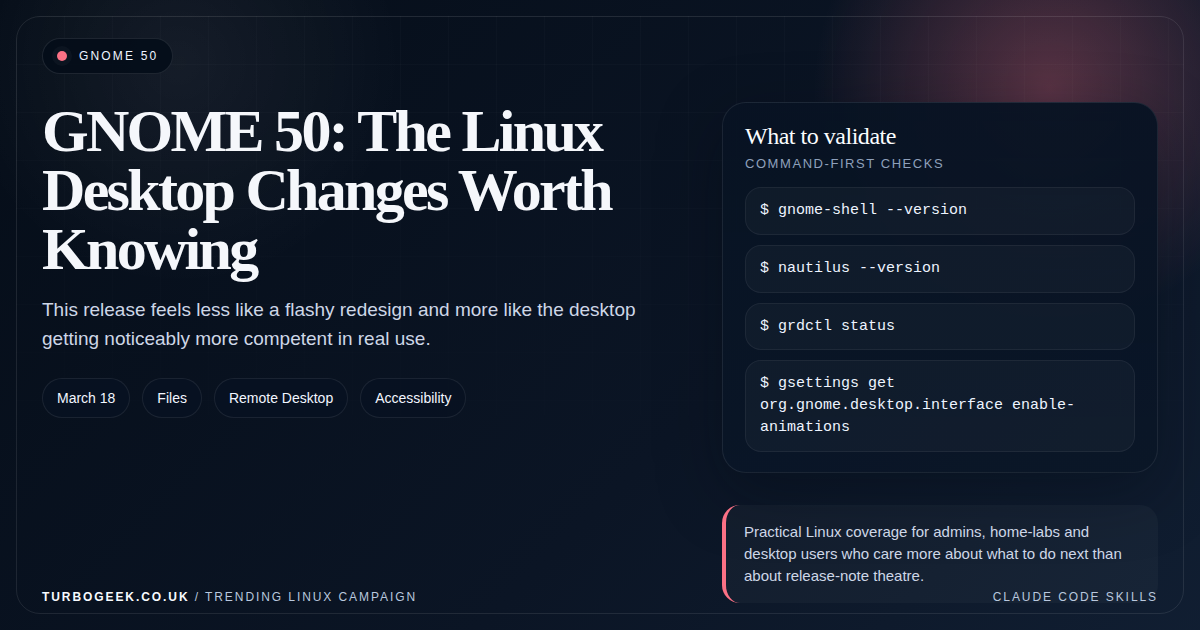
TL;DR – GNOME 50
- GNOME 50 released on March 18, 2026: the practical wins are Files, remote desktop, accessibility and parental controls.
- Files is a real quality-of-life upgrade: performance, memory use, rename flow and search filtering all improved.
- Remote desktop is better in meaningful ways: hardware acceleration, explicit sync support, HiDPI awareness and camera redirection are not minor niceties.
- The release reads like a mature desktop: fewer gimmicks, more competence.
Start here: If you only want the short version, jump to the section on Files and remote desktop first, then compare the desktop angle with How to Enable Remote Access on Ubuntu: SSH vs XRDP vs VNC if remote use is the thing you care about most.
| Topic | When | What to do |
|---|---|---|
| File management | You live in Files every day | GNOME 50 is a worthwhile quality upgrade. |
| Remote work | You remote into a GNOME desktop | GNOME 50 is more interesting than the usual desktop polish cycle. |
| Accessibility | You support mixed-ability users | Reduced Motion and Orca work deserve attention. |
| Shared family device | Children use the machine too | Parental controls are much more serious now. |
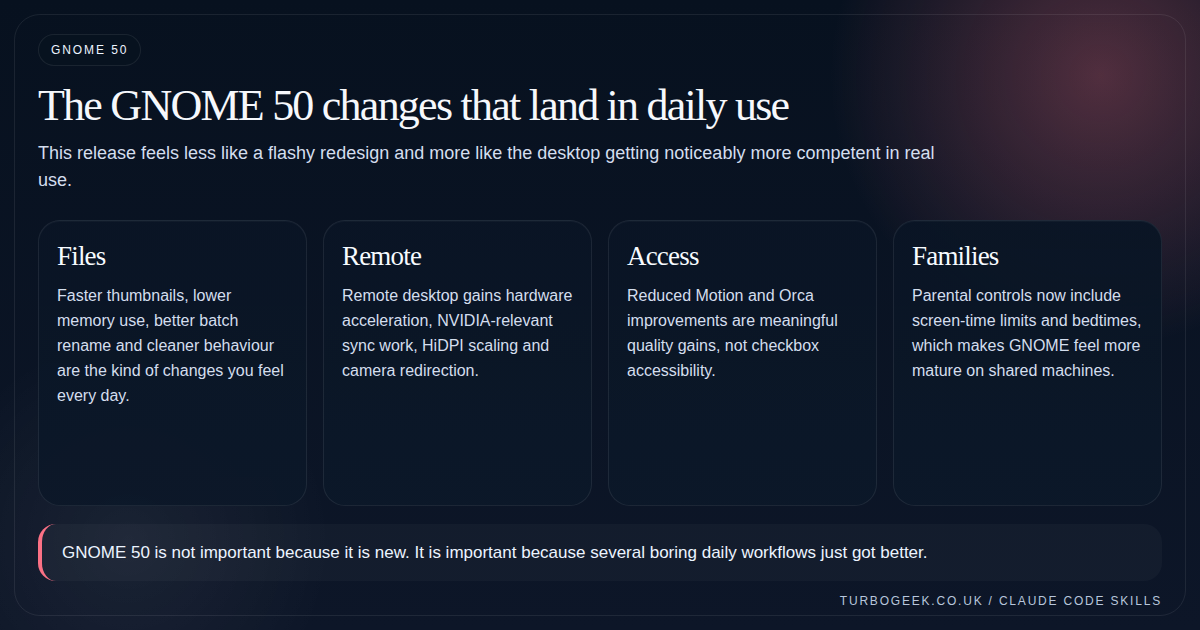
GNOME 50 shipped on March 18, 2026, and it is one of those releases that looks modest until you read the details properly. Files gets faster and less wasteful, remote desktop improves in ways users will actually feel, accessibility grows up, and parental controls move into real-world territory.
That combination matters because it speaks to what the Linux desktop is trying to become in 2026: not just technically interesting, but genuinely dependable in ordinary households and ordinary work.
Files is the sleeper hit of the release
GNOME’s release notes call out faster thumbnail and icon loading, lower memory usage, stronger test coverage, a reworked batch Rename flow, cleaner sidebar wording, and better filtering during search. None of those changes are headline bait. All of them matter if you use Files every day.
This is the kind of improvement set that makes a desktop feel less ‘open source project’ and more ‘finished product’. You stop thinking about the file manager because it quietly gets out of your way more often.
Remote desktop is now part of the story, not an afterthought
GNOME 50’s built-in remote desktop gets hardware acceleration via Vulkan and VA-API, explicit sync integration for NVIDIA users, HiDPI-aware scaling, and camera redirection. For anyone who has watched Linux remote desktop feel slightly behind the times, that is a meaningful jump.
It does not replace every remote-support product on earth, but it does push GNOME’s built-in path much closer to something you can recommend without immediately adding a list of excuses.
Accessibility and parental controls both got more serious
GNOME 50 adds a new Reduced Motion option, expands Orca screen-reader improvements, and even makes Mouse Review work in Wayland sessions. Those are strong signals that accessibility work is being treated as first-class desktop engineering.
Parental controls also moved beyond the token stage. Screen-time limits, bedtimes and app-level integration make GNOME much more plausible on shared home machines.
- Reduced Motion is the kind of feature users notice immediately when they need it.
- Orca improvements reduce friction in a place that usually accumulates technical debt.
- Parental controls are finally usable enough to matter outside demos.
Why GNOME 50 matters beyond GNOME
A healthy Linux desktop ecosystem needs flagship projects that do the ordinary stuff well. GNOME 50 helps because it focuses on the daily desktop rather than turning the whole release into design theatre.
If your desktop questions are broader than GNOME, pair this with the Wayland article and then compare the access side with How to Enable Remote Access on Ubuntu: SSH vs XRDP vs VNC. That combination gives you a better read on where Linux desktop reality is heading in 2026.
Related next steps
- How to Enable Remote Access on Ubuntu: SSH vs XRDP vs VNC
- Nano vs Vim vs Vi: Which Linux Editor Should You Actually Use?
- How to display Line Numbers in Nano, Vi and VIM
- Linux 7.0 Explained for Normal Admins
- Is Wayland Finally Ready for Daily Linux Use in 2026?
- Ubuntu 26.04 LTS Security Changes That Actually Matter
Leave a Reply