Category
Category: Cloud
Guides, tutorials, and best practices for cloud platforms including AWS, Google Cloud, and Microsoft Azure. From architecture to deployment, learn to build and manage cloud infrastructure.
-

Jenkinsfile vs. Jenkins Pipeline: Define Automation Workflows
In the Jenkins ecosystem, “Pipeline” and “Jenkinsfile” are foundational concepts for implementing modern Continuous Integration/Continuous Delivery (CI/CD). While closely related, they serve different purposes. Understanding this distinction is… Read the guide
-
How to Write A Jenkinsfile
A Jenkinsfile is a text file that defines your entire build, test, and deployment process in a Jenkins Pipeline. It uses a Groovy-based Domain Specific Language (DSL). The… Read the guide
-
Plex Media Server Setup Guide
Are you ready to watch all of your favorite movies, shows, and music all in one convenient location? With a Plex Media Server, you can do just that!… Read the guide
-
AWS-Vault vs IAM Identity Center: What’s the Difference?
Compare AWS-Vault and IAM Identity Center, formerly AWS SSO, so you can choose the right model for local developer access or organisation-wide workforce access. Read the guide
-
Your Grafana Certificate (HTTPS SSL) Questions Answered
What is Grafana Certificate HTTPS (SSL)? Concerned about the security of your Grafana data? A Grafana Certificate provides a critical layer of protection against unauthorized access and data… Read the guide
-
Why Should You Use Grafana?
Grafana is a powerful open-source visualization and analytics platform for modern data sources. With its intuitive and flexible architecture, Grafana allows users to quickly and easily create complex… Read the guide
-
Terraform State Explained: Remote State, Locking, Backends and Best Practices
Terraform state explained: what the tfstate file does, when to use remote backends, how locking works, how to review drift safely, and the best practices teams should follow. Read the guide
-
AWS-Vault Security Best Practices for Protecting AWS Credentials
Learn how AWS-Vault improves AWS credential security with OS-backed secret storage, MFA, temporary sessions, and safer multi-account CLI workflows. Read the guide
-
How to Install AWS-Vault on macOS
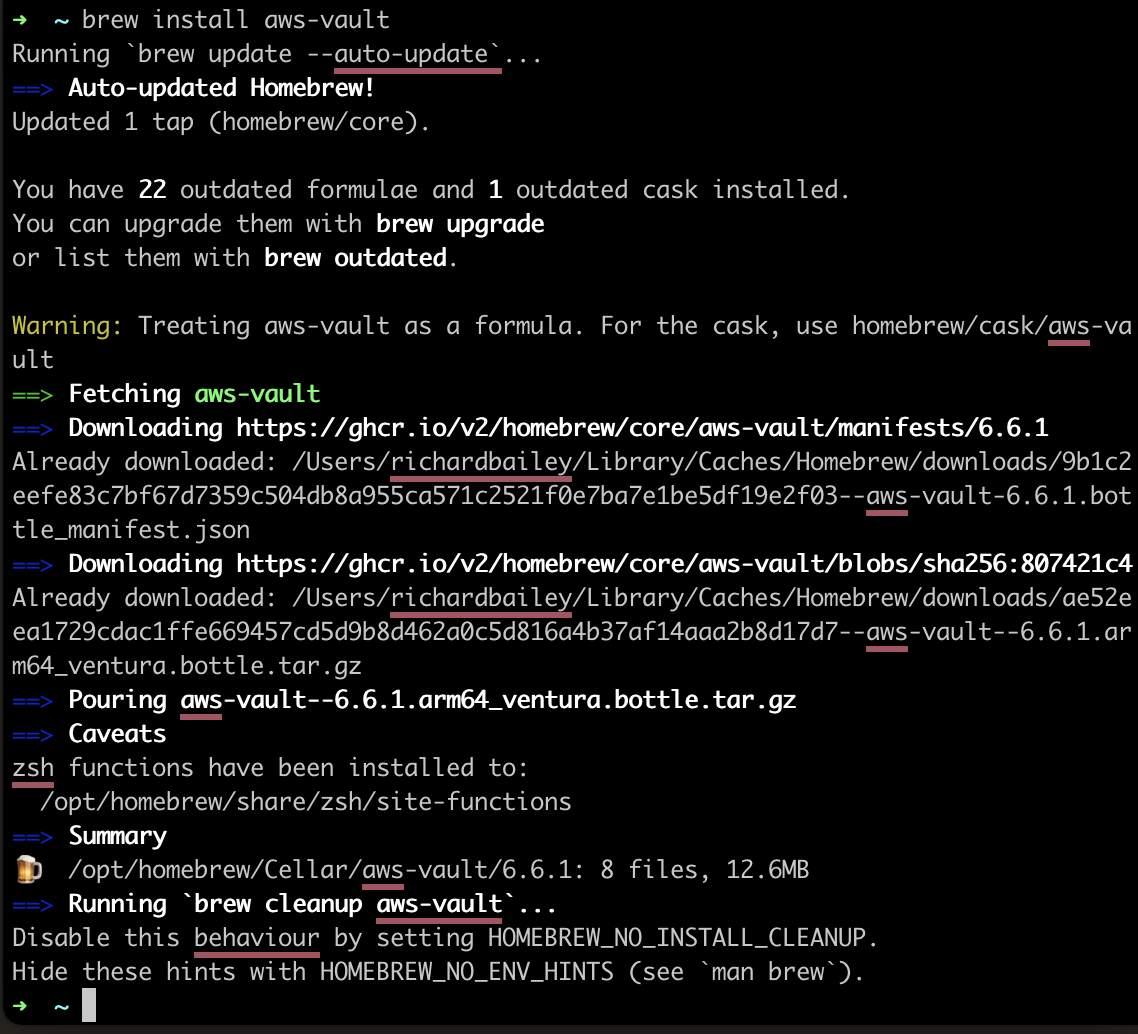
Install AWS-Vault on macOS with Homebrew, store credentials in Keychain, and test role-based AWS CLI and console access with short-lived sessions. Read the guide
-
Cloud, Cloud Computing & IT Services, Guest Blog, Infrastructure-as-Code, Linux Guest Blog, Software, Terraform by Hashicorp, VMware Guest Blog
HashiCorp: Simplifying the Cloud
HashiCorp has become a leading name in cloud infrastructure management, offering a suite of powerful tools that streamline and automate complex tasks. But how did this innovative company… Read the guide