
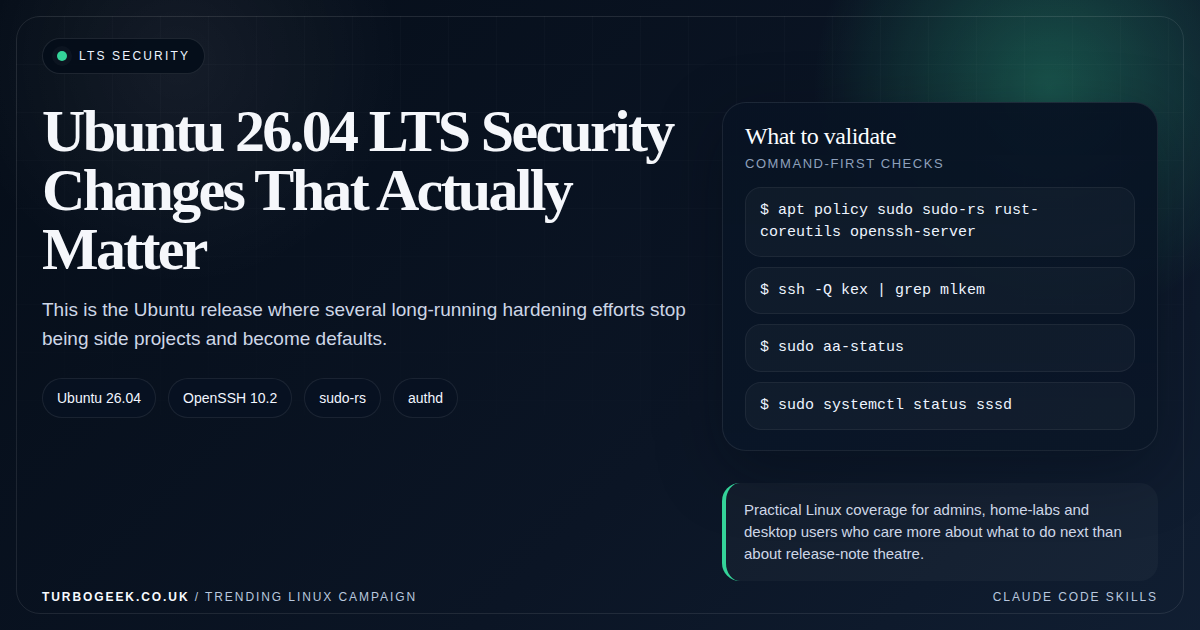
TL;DR – Ubuntu 26.04 security
- Canonical published the main security story on April 10, 2026: the biggest wins are defaults, not shiny checkboxes.
- rust-coreutils and sudo-rs are the headline platform shifts: traditional implementations remain available for compatibility and fallback.
- OpenSSH 10.2 brings hybrid post-quantum key exchange by default: that is a meaningful cryptography baseline move, not marketing wallpaper.
- Identity and service privilege are tighter: authd joins the supported stack and services like SSSD run with less privilege.
Start here: If you want the fast win list, start with the sections on memory-safe foundations and modern cryptography, then compare the operational follow-up against Linux SSH Hardening Checklist.
| Topic | When | What to do |
|---|---|---|
| SSH | You run modern servers or jump hosts | Check available key exchange algorithms and client/server package versions. |
| Core commands | You care about script compatibility | Test the Rust-based replacements in CI before broad rollout. |
| Identity | You use SSSD, LDAP or cloud identity | Review process privileges and pilot authd deliberately. |
| Web stack | You ship Apache or Nginx | Validate TLS defaults instead of assuming old client compatibility. |
Canonical’s security overview for Ubuntu 26.04 LTS landed on April 10, 2026, and it is one of the clearer LTS security messages in a while. The point is not one dramatic feature. The point is that several long-running improvements now show up as the default operating posture.
That is exactly what you want from an LTS. It should not require every admin to remember fifteen separate hardening steps. It should arrive with a better floor out of the box and let you spend your energy on the parts that are unique to your own environment.
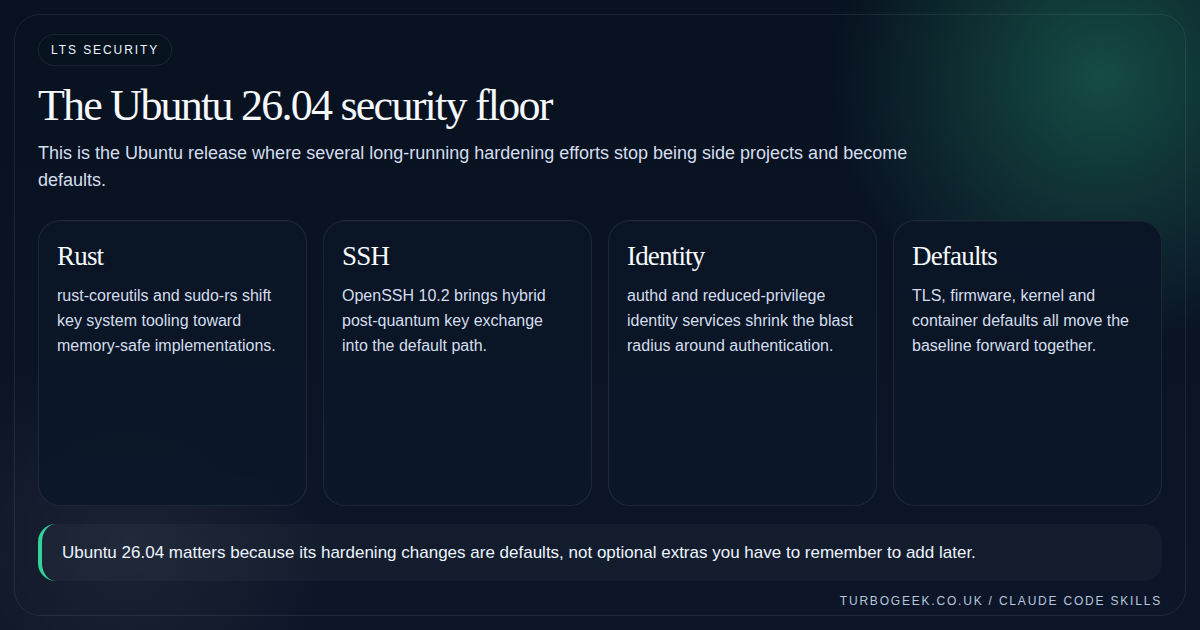
Memory-safe foundations are the real platform story
Ubuntu 26.04 promotes rust-coreutils into the default core utility path and makes sudo-rs the default sudo implementation. Canonical also states that the traditional GNU coreutils and original sudo remain available for compatibility and fallback, which is the detail cautious admins should actually care about.
This matters because it moves memory-safety work from experimentation into the mainstream LTS baseline. It also means compatibility testing is now part of your upgrade homework if you have scripts or operational assumptions that depend on obscure edge behaviour.
Modern cryptography is no longer optional homework
Ubuntu 26.04 ships OpenSSH 10.2 and exposes hybrid post-quantum key exchange, mlkem768x25519-sha256, by default. Canonical also calls out DSA removal and the end of reading ~/.pam_environment in the SSH server path.
The useful mental model is that Ubuntu is reducing the amount of legacy cryptography still hanging around by inertia. That is good for fresh deployments, but it also means you should identify truly ancient clients before they become the problem that ruins your change window.
- Check client compatibility before broad fleet rollout if you still touch old appliances or embedded systems.
- Treat post-quantum defaults as KEX modernization, not magic future-proofing for every part of SSH.
- Use validation commands, not guesswork, to confirm which algorithms are actually available.
Identity hardening is more than authd hype
Canonical also highlights a quieter but important theme: fewer privileged services in the identity path. SSSD running as the dedicated sssd user instead of root, OpenLDAP in AppArmor enforce mode, and authd entering the supported story all reduce the blast radius around authentication and directory integration.
This is exactly the kind of security work that barely shows up in screenshots but pays off over years. Less privilege and clearer control planes are often worth more than another dashboard widget.
Verify the new defaults are actually active
Release notes are one thing; what is actually running on your box is the only thing that matters. Run these straight after upgrading to confirm the headline changes landed:
Look for sudo-rs as a real package on disk, an OpenSSH version starting with 10, mlkem768x25519-sha256 in the KEX list, and SSSD reporting a non-root user under systemctl show sssd. Anything missing means the upgrade did not pick up the new defaults and is worth investigating before you call the box done.
What to validate after an upgrade
The correct post-upgrade question is not ‘Did the release install?’ It is ‘Which defaults changed under me, and do my own assumptions still hold?’ That means package validation, SSH negotiation checks, web-server sanity tests, and a quick review of directory and privilege paths.
For SSH-specific follow-up, pair this article with Linux SSH Hardening Checklist. For broader upgrade sequencing, this should sit next to the Ubuntu 26.04 upgrade decision guide later in the series.
Leave a Reply