
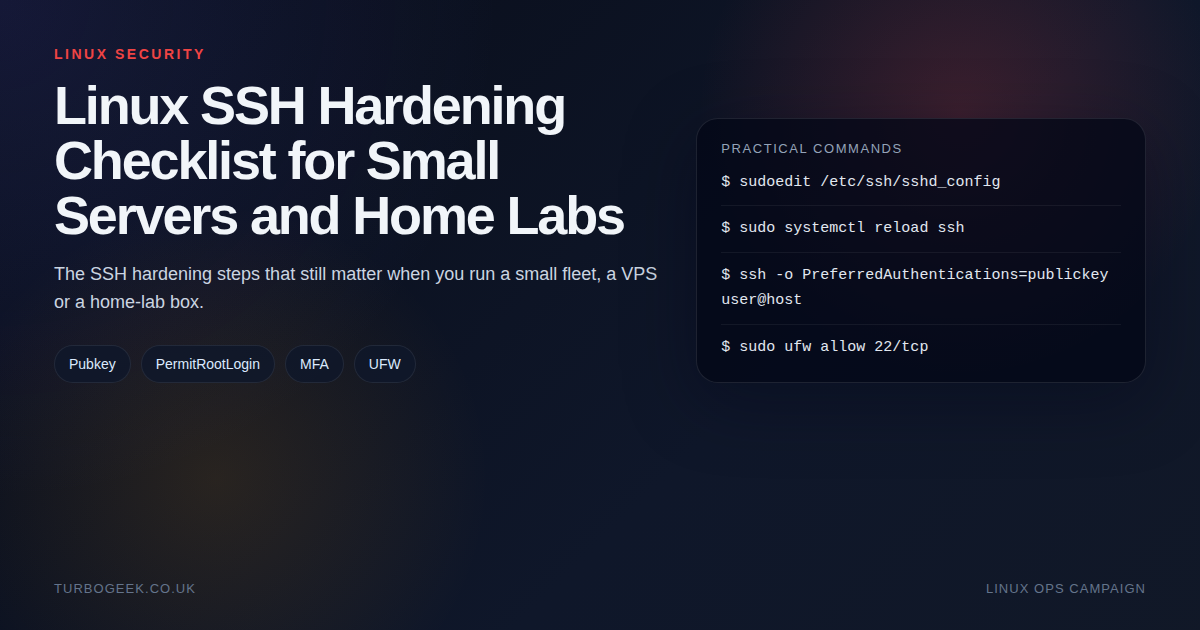
TL;DR – practical SSH hardening
- Use named admin accounts: Do not treat root SSH as the default path.
- Prefer keys: Public-key authentication gives you the biggest security improvement for the least pain.
- Layer basic controls: Firewall rules, sane sshd settings and careful testing beat security theatre.
- Do not lock yourself out: Always keep one verified session open while you test the new one.
Start here: If you already know you need MFA, jump to Secure Your Linux Login: Easy Google Authentication MFA Setup or How to Install and Configure the SecurID Agent for SSH on Linux. This guide is the broader baseline before you start adding extra auth layers.
| Control | When | Command or setting |
|---|---|---|
| Disable root SSH | Named admin user exists | PermitRootLogin no |
| Require keys | You control the client devices | PasswordAuthentication no |
| Restrict exposure | Public server or VPS | ufw allow 22/tcp from the right source |
| Test safely | After every change | Open a second session before closing the first |
Most small-server SSH hardening advice swings between two bad extremes: either almost nothing changes, or the server gets turned into a puzzle box that is harder for the owner to use than for the attacker to notice. The right answer sits in the middle.
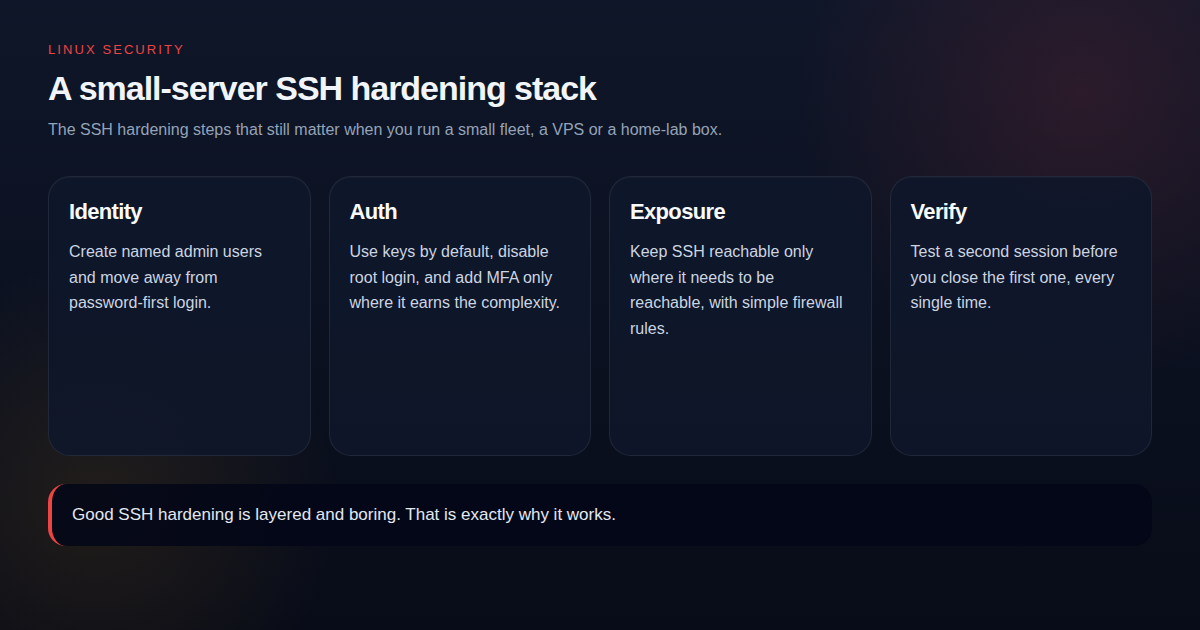
Start with identity and account hygiene
If everybody logs in as root, you have already made auditing, key rotation and accountability harder than they need to be. Create named admin users, make sure sudo works, and only then think about tightening root access.
Use keys before you think about clever tricks
Moving from password-first login to key-based login changes the attack surface immediately. It is a higher-return change than moving SSH to a high port or collecting dozens of hardening snippets that you do not fully understand.
Only disable password login once you have tested a working key-based session from a second terminal. That verification step is not optional.
Layer simple network and service controls
- Keep SSH reachable only where it needs to be reachable.
- Use UFW or cloud security groups to restrict source access where possible.
- Reload SSH after config changes rather than restarting blindly when you can.
- Use fail2ban if the host is publicly reachable and password auth must remain enabled.
MFA and enterprise auth: useful, but not first
MFA is absolutely worth considering on high-value systems, but it should sit on top of a clean SSH baseline. If the box still allows root login from everywhere with weak account discipline, MFA is not fixing the right problem first.
When you are ready for the next layer, the practical follow-ons are Secure Your Linux Login: Easy Google Authentication MFA Setup and How to Install and Configure the SecurID Agent for SSH on Linux.
The drop-in I actually use
Modern Ubuntu and Debian builds read additional config from /etc/ssh/sshd_config.d/*.conf. That is the right place to put hardening rather than editing sshd_config directly: drop-ins are easier to audit, version-control and remove cleanly. Here is the file I keep in my own playbooks:
Adjust AllowUsers to match your real admin account, then validate and reload:
The verification checklist I actually use
- Confirm
sshd -tis clean before reload. - Open a second SSH session and prove the intended auth path works.
- Run one sudo command from the new session.
- Only close the original session after the new path is confirmed.