
This is a legacy page. If you are running a supported platform, use one of the newer guides instead:
- How to Install Glances on RHEL 9/8, Rocky Linux and AlmaLinux
- How to Install Glances on CentOS Stream
- How to Install Glances on Linux
Keep using this page only if you are dealing with legacy RHEL or CentOS 5, 6, or 7 estates that cannot yet be migrated.
Important warning
RHEL and CentOS 5, 6, and 7 are legacy operating systems. They are not where you should be deploying new monitoring tooling unless you are tied to a migration or support constraint. Treat this page as a compatibility reference, not the preferred installation path.
Legacy RHEL 5 and 6 workflow
On very old systems, Glances is typically installed through older Python package flows rather than the modern DNF/EPEL pattern used on current RHEL-family systems.
sudo -i
sudo yum-config-manager --enable rhel-server-rhscl-6-rpms
sudo yum install rh-python36 -y
sudo scl enable rh-python36 bash
sudo pip install --upgrade pip
sudo pip install bottle
sudo pip install glances
Legacy RHEL 7 and CentOS 7 workflow
RHEL 7-era systems often use Software Collections and older package combinations:
sudo yum-config-manager --enable rhel-server-rhscl-7-rpms
sudo yum install rh-python36 -y
sudo yum install rh-python36-python-pip -y
sudo scl enable rh-python36 bash
curl -L https://bit.ly/glances | /bin/bash
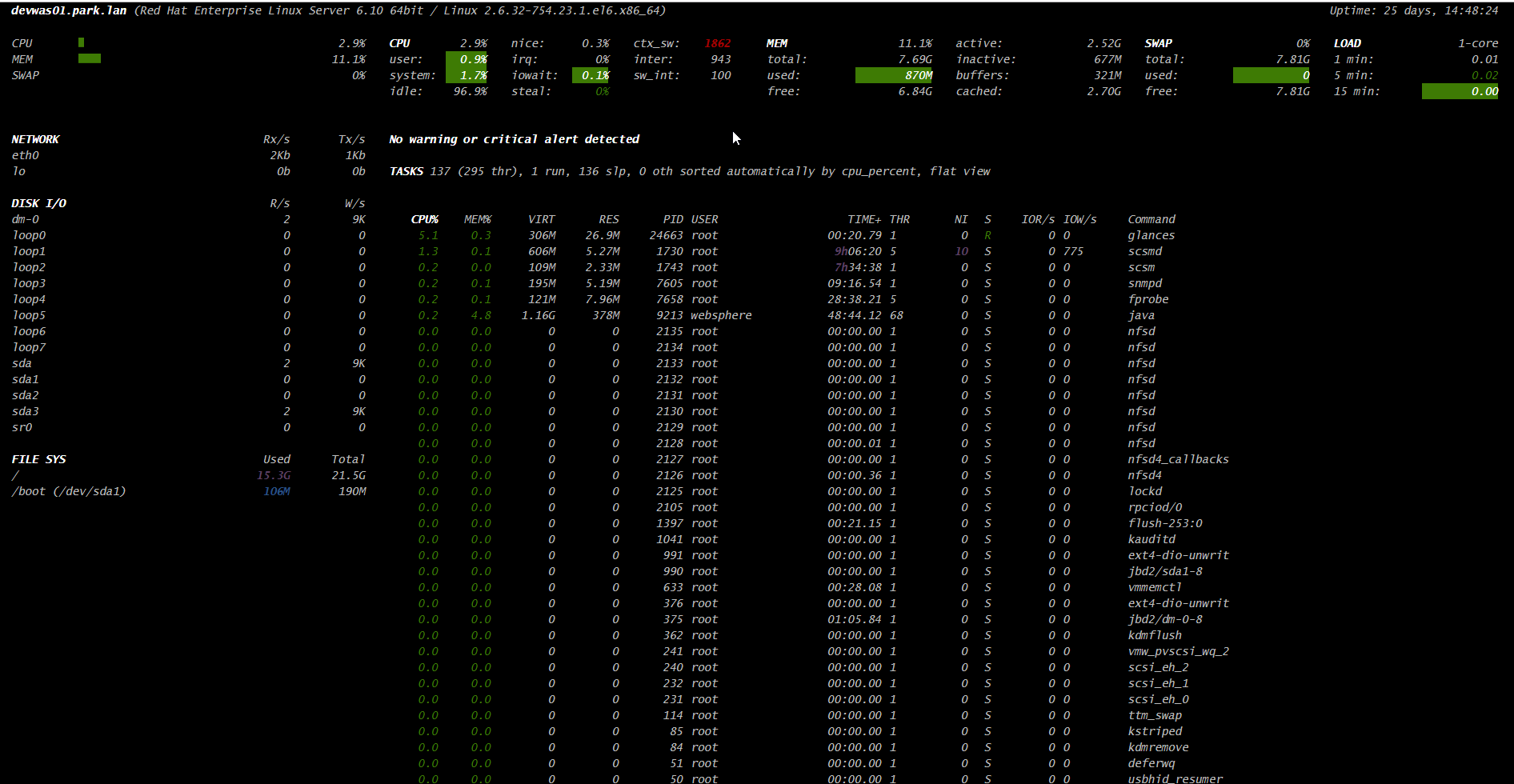
Starting Glances
Terminal mode
glancesWeb interface
glances -w -t 5Browse to:
http://<your_server_ip>:61208Troubleshooting on older systems
- If
glancesis not found, confirm the correct Python environment is active. - If the web interface does not load, verify the process is running and the host firewall is not blocking port
61208. - If packaging is inconsistent, it is often a sign the underlying operating system is too old for a clean install path.
Use the modern guides when possible
- How to Install Glances on RHEL 9/8, Rocky Linux and AlmaLinux
- How to Install Glances on CentOS Stream
- How to Install Glances on Ubuntu
This page stays focused on old RHEL and CentOS releases so it does not compete with the current enterprise Linux guides.