
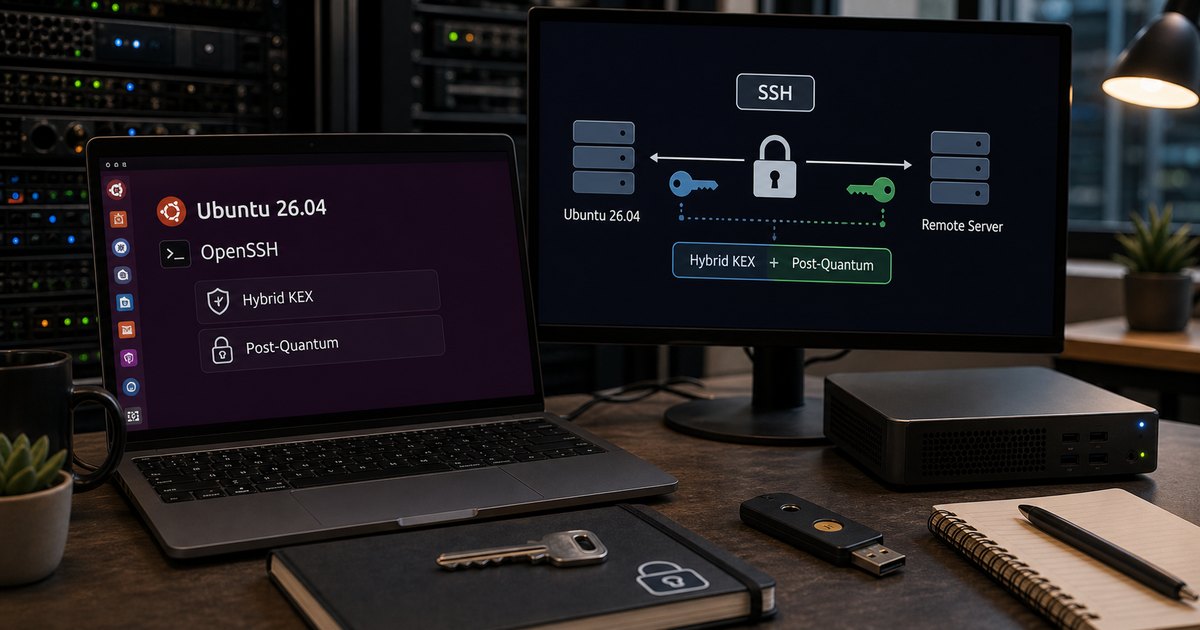
TL;DR – Post-quantum SSH
- Ubuntu 26.04 ships OpenSSH 10.2: hybrid post-quantum key exchange is available by default.
- Hybrid is the key idea: this is about modernising negotiation, not replacing the entire SSH security model overnight.
- Compatibility is the real operational concern: check older clients, appliances and brittle automation first.
- Validation is straightforward: inspect available KEX algorithms and watch a verbose SSH negotiation.
Start here: If you just want the admin answer, start with the validation section below and keep Linux SSH Hardening Checklist open in the next tab so you do not confuse a protocol upgrade with whole-system hardening.
| Topic | When | What to do |
|---|---|---|
| Modern client and server | You manage Ubuntu 26.04 or newer endpoints | Validate KEX and move on. |
| Mixed estate | Old network gear or jump hosts still exist | Test the oldest client in the path before rollout. |
| Compliance-sensitive team | You need an explanation for why this matters | Describe it as safer key exchange defaults, not magic future-proofing. |
| SSH break/fix | A connection suddenly negotiates differently | Use verbose SSH output and server config inspection. |
Ubuntu 26.04 LTS makes hybrid post-quantum SSH key exchange available by default, and that is one of the more meaningful security shifts in the release. It matters because SSH is an everyday trust mechanism, not a niche feature that only crypto specialists touch.
The practical mistake would be to turn this into either hype or panic. It is neither. Ubuntu is improving the default negotiation path in OpenSSH 10.2. Your job is to validate the endpoints that still live in the past and then benefit from the better default.
What changed, in plain English
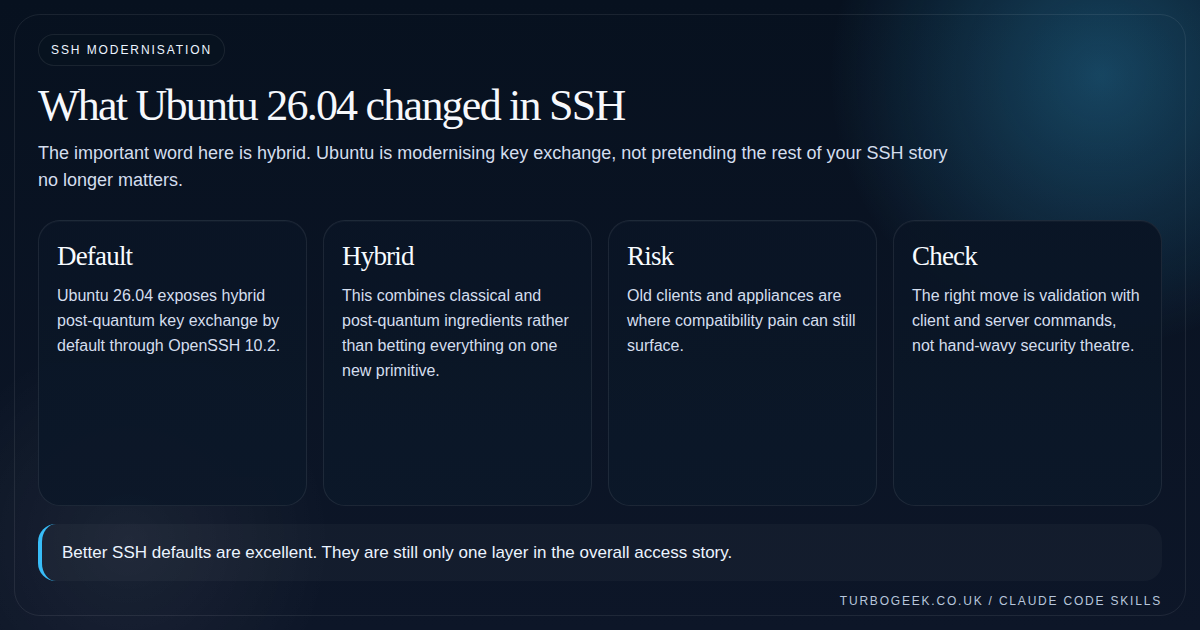
Canonical calls out mlkem768x25519-sha256 as the hybrid post-quantum key exchange now available by default. The practical meaning is that Ubuntu is not waiting for some distant future cutover before modernising SSH negotiation.
Hybrid matters because it keeps one foot in established cryptographic practice while adding a post-quantum component. That is a much easier operational sell than pretending everyone should flip blindly to something entirely new overnight.
What this does not magically solve
This does not replace good SSH hygiene. It does not remove the need for keys, sane account policy, MFA where appropriate, logging, or careful exposure control. It is an important default, not a total security strategy.
It also does not mean every ancient client in your environment will suddenly love the new negotiation path. That is where your testing discipline comes in.
- Keep root-login decisions, account hygiene and network exposure in the same review.
- Look for old clients, embedded devices and brittle jump-box tooling first.
- Explain the change as safer negotiation, not marketing-grade quantum mysticism.
How to validate it without guessing
The easiest path is to ask the client what KEX algorithms it knows, then make one verbose connection and inspect what actually happened. If you need the server view as well, check the effective sshd configuration rather than relying on memory.
This is one of those cases where a three-minute command-line check beats twenty minutes of hand-wringing.
# Client-side inspection
ssh -Q kex | grep mlkem || true

# Watch a real negotiation
ssh -vv user@host true 2>&1 | grep -i kex

# Check effective server config
sudo sshd -T | grep kexalgorithms
apt policy openssh-client openssh-serverWhat success actually looks like — the snippets below are what you want to see (and what to expect on older endpoints) when you run the inspection commands above:
If the negotiated kex algorithm line shows curve25519-sha256 instead of mlkem768x25519-sha256, one end of the connection is still on an OpenSSH version below 9.9 — that is the place to focus your upgrade work, not the box you are connecting from.
The operational verdict
Ubuntu 26.04’s SSH change is worth caring about because it improves a daily security path without asking every admin to reinvent SSH by hand. That is exactly the sort of change you want in an LTS.
Take the win, test your oldest clients, and keep the rest of your access controls honest. For the broader access layer, Linux SSH Hardening Checklist is still the companion piece that matters most.
Related next steps
- Linux SSH Hardening Checklist
- How to Install and Configure the SecurID Agent for SSH on Linux
- Secure Your Linux Login: Easy Google Authentication MFA Setup
- Ubuntu 26.04 LTS Security Changes That Actually Matter
- Should You Upgrade to Ubuntu 26.04 LTS Right Away?
- KDE Plasma’s Wayland-Only Future: What It Means for Linux Users
Leave a Reply