
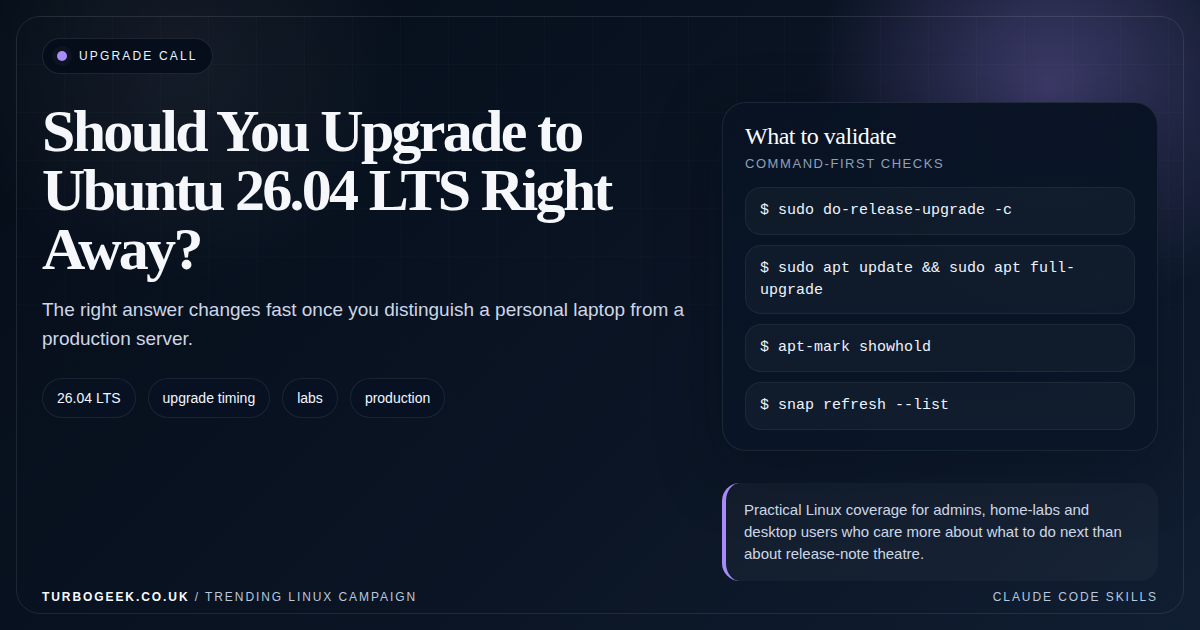
TL;DR – Ubuntu 26.04 upgrade timing
- Ubuntu 26.04 is the April 2026 LTS cycle: the roadmap targeted April 23, 2026 for the release window.
- Labs and personal systems can move first: that is where new defaults and early-cycle friction are easiest to absorb.
- Production systems should be deliberate: let your own package, driver and identity checks decide the timing.
- The right question is not ‘Is 26.04 good?’ It is ‘Is this machine the right machine to upgrade this week?’
Start here: If you only need a yes-or-no framework, start with the sections on ‘upgrade now’ and ‘wait a bit’, then compare the security-specific angle against Linux SSH Hardening Checklist.
| Topic | When | What to do |
|---|---|---|
| Personal laptop | You can recover quickly | Upgrade early if you want the new release. |
| Home-lab server | You enjoy testing but still need uptime | Validate backup, SSH and monitoring first. |
| Developer workstation | You depend on VPNs, Docker and tooling | Pilot before a broad team move. |
| Production server | Downtime matters | Wait for internal validation and a clean rollback plan. |
Ubuntu 26.04 LTS is the April 2026 long-term support release. Canonical’s published roadmap targeted April 23, 2026 for the ship window, which means the normal LTS question is here again: do you move immediately, or do you let the first wave of other people find the rough bits?
The answer is never one-size-fits-all. LTS releases are built for long support, not for compulsory day-one adoption. The right move depends on the machine in front of you and how expensive the failure mode is if one small compatibility issue slips through.
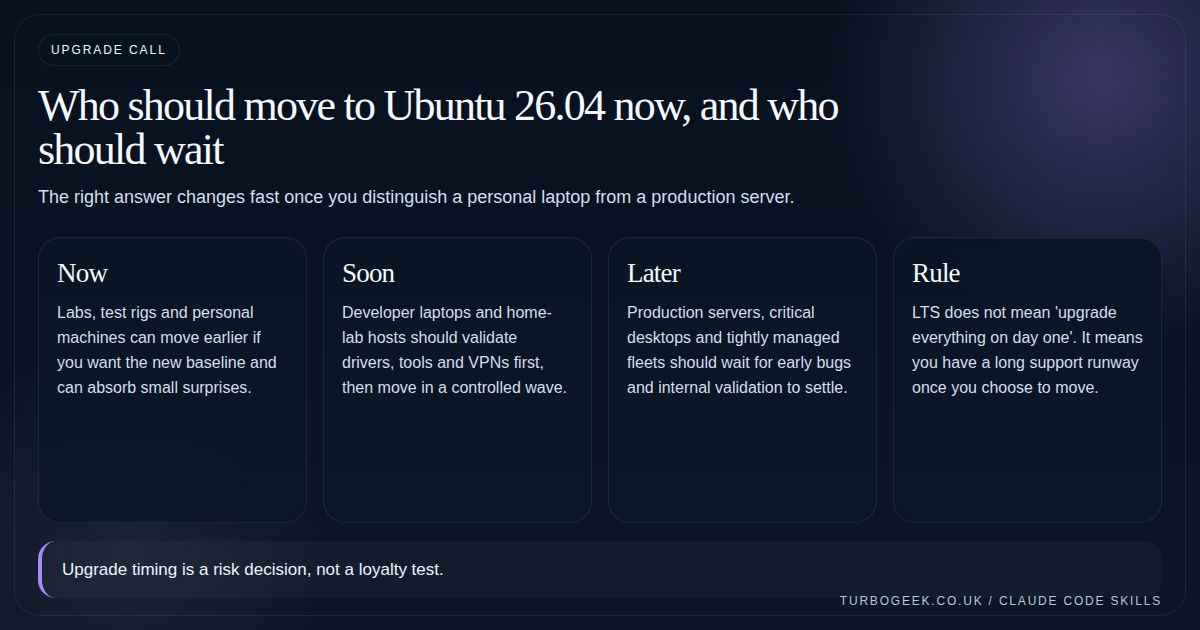
Who should upgrade now?
Labs, test boxes, secondary desktops, and personal machines are the natural first wave. They give you real experience with the release and surface any tooling surprises without putting your most sensitive systems at risk.
If you specifically want the Ubuntu 26.04 security baseline, this is also where you should start. You get to test the new defaults and confirm which of your habits or scripts need adjustment before the release becomes a production discussion.
Who should wait?
Production servers, revenue-critical desktops, shared family machines, and heavily managed enterprise endpoints should not treat the LTS launch day as a deadline. The cost of one VPN regression, one identity issue, or one package assumption breaking is simply higher.
Let update channels settle, validate drivers, confirm your auth path, and make sure the new defaults do not surprise your automation.
- Wait if the machine is hard to recover quickly.
- Wait if the machine depends on niche drivers or old vendor software.
- Wait if your backup, monitoring, or remote-access story is still loose.
Upgrade Commands
When the time comes, I run the sequence below. Do the pre-flight on a quiet day, take the upgrade with a console open, and reboot once more before you trust it.
# Pre-flight: confirm what you are starting from
cat /etc/lsb-release
apt-mark showhold                    # any held packages?
apt list --upgradable 2>/dev/null | wc -l
grep -RE '^(deb|deb-src) ' /etc/apt/sources.list.d/  # third-party PPAs

# Patch fully on the current release first
sudo apt update
sudo apt full-upgrade -y
sudo apt autoremove --purge -y
sudo reboot

# After reboot, take the upgrade
sudo apt install -y update-manager-core
sudo do-release-upgrade -d           # -d opts in to 26.04 before it is the default

# Verify
lsb_release -a
uname -r
systemctl --failedIf you run on a hypervisor that supports snapshots (Proxmox, VMware, KVM with LVM), take a snapshot before running do-release-upgrade. On bare metal, the realistic rollback is reinstall, so make sure the box has a clean backup of /etc, /home and any application data before you start.
What to Check Before You Touch Anything
Most bad upgrades are caused by stale packages, locked packages, untested PPAs, old snaps, weak backup habits, and admins assuming rollback will somehow work itself out in the moment.
A small checklist pays for itself very quickly. Confirm package state, list held packages, check third-party repositories, and make sure you can get back in remotely before you start.
# First-pass pre-upgrade checklist
sudo apt update && sudo apt full-upgrade
apt-mark showhold
grep -R ^deb /etc/apt/sources.list /etc/apt/sources.list.d 2>/dev/null
snap refresh --list || true
sudo do-release-upgrade -cThe Sane rollout pattern
Pilot on a disposable or low-risk machine first. Then promote to a machine that actually resembles your day-to-day environment. Only after that should you touch the servers you cannot afford to rebuild in a hurry.
If you want the deeper release-specific security angle, pair this with the Ubuntu 26.04 security article and then follow up with Ubuntu Server First 30 Minutes: The Setup Checklist I’d Use Every Time for fresh builds.
Related next steps
- Ubuntu Server First 30 Minutes: The Setup Checklist I’d Use Every Time
- Linux SSH Hardening Checklist
- How to Reset a Linux Root Password on Ubuntu, RHEL, and Debian
- Linux 7.0 Explained for Normal Admins
- Ubuntu 26.04 LTS Security Changes That Actually Matter
- GNOME 50: The Linux Desktop Changes Worth Knowing
Leave a Reply