
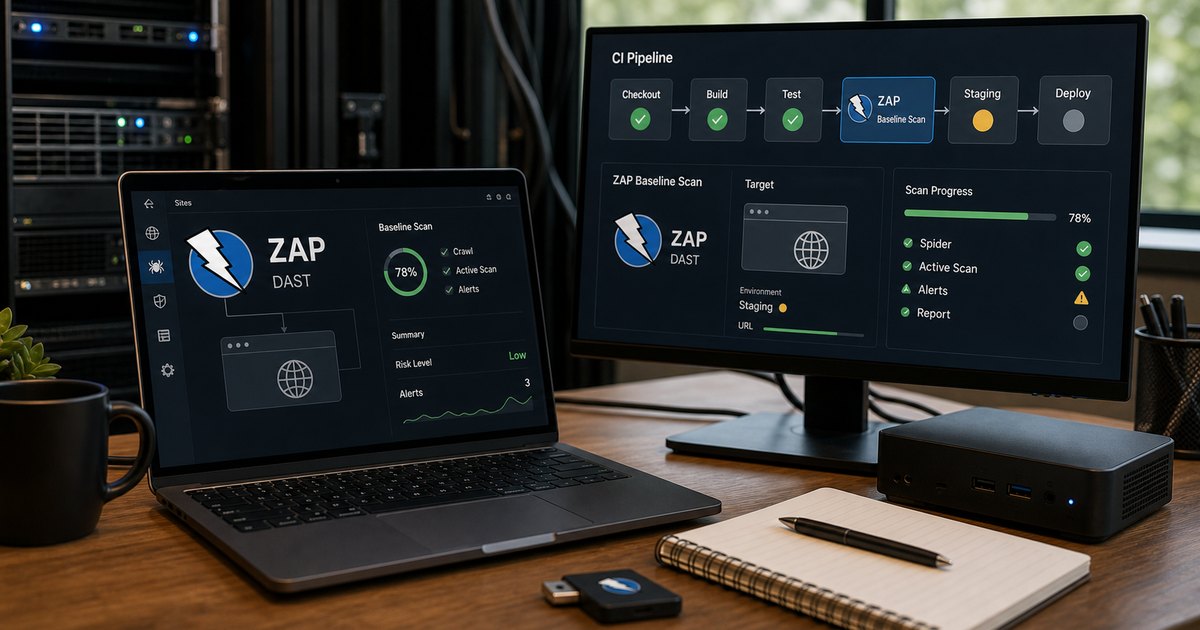
DAST finds issues that only show up against a running target, which is exactly why teams misuse it. They either ignore it completely or cram it into every pull request and then wonder why delivery feels heavy and the findings feel noisy.
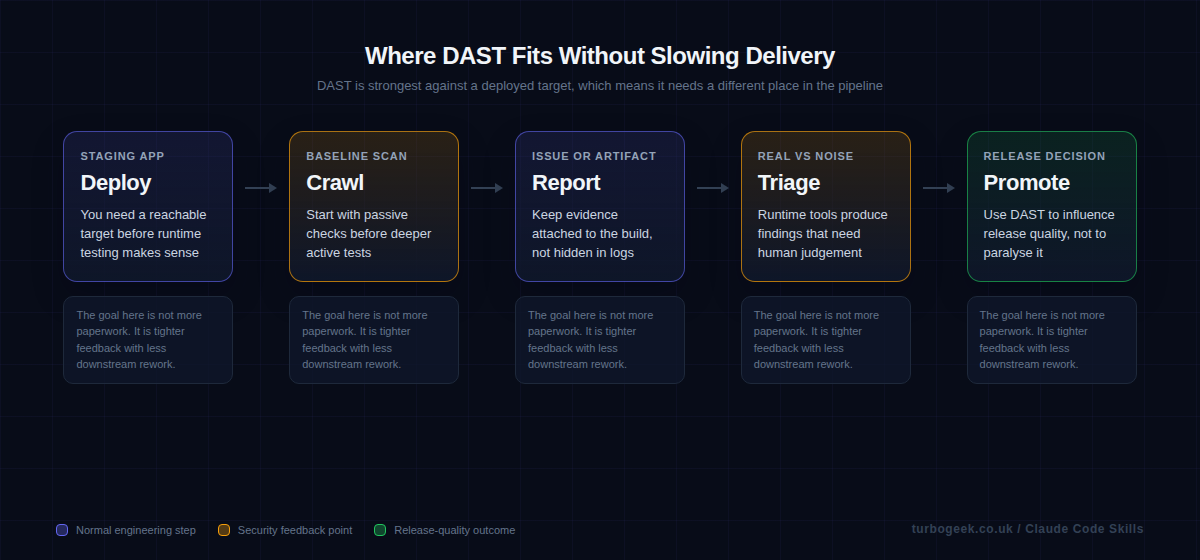
OWASP ZAP’s baseline scan is a good starting point because it keeps the runtime test honest. You point it at a real URL, collect a report, and decide what belongs in policy instead of pretending a black-box crawl is interchangeable with a one-minute static check.
TL;DR
- Run DAST against staging or preview environments, not unfinished code in the middle of a PR.
- Start with ZAP baseline scans before you reach for aggressive active testing.
- Keep rules files and issue-writing behaviour under version control so the workflow stays explainable.
- Use DAST findings to improve code and config, not just to generate more tickets.
| Layer | Best place to run it | Example |
|---|---|---|
| Passive DAST | Staging or preview URL | zaproxy/[email protected] |
| Rules tuning | Versioned repo file | .zap/rules.tsv |
| Issue creation | Optional GitHub issue | allow_issue_writing |
| Hard fail | Only on agreed policy | fail_action: true |
Start here: Start with What DAST is actually good at. That makes the automation choices much easier to defend.
What DAST is actually good at
Runtime testing is strongest when it checks what a running application exposes: headers, cookies, obvious auth mistakes, input handling, and misconfigurations that static analysis cannot see clearly. That makes it valuable precisely because it is closer to the deployed system.
The flip side is that DAST needs a reachable target, a sensible environment, and more human judgement. That is why forcing it into the exact same lane as linting or secret scanning usually backfires.
The baseline scan is the right first ZAP automation step
A baseline scan is a practical entry point because it gives you passive findings and a report without immediately turning your pipeline into a slow, brittle web-testing rig. That is the level of automation most teams can sustain.
The official action also keeps the setup straightforward. You can target a staging URL, attach artifacts, and choose whether findings should open or update a GitHub issue. That is much cleaner than hiding a pile of shell scripting inside the workflow.
Rules files and fail behaviour matter more than people expect
If you never tune the findings, the baseline scan becomes another ignored report. If you fail every scan immediately, the workflow becomes political instead of useful. The balance usually starts with reporting and triage, then gradually moves a small number of high-confidence findings into a failing policy.
The rules file is where that judgment becomes explicit. That is important because future reviewers can see which alerts were ignored, why they were ignored, and when the policy changed.
What not to automate on the merge path
Do not pretend a runtime scan should behave like a one-minute static check. Authentication quirks, staging instability, preview URLs, and environment-specific headers all affect the result. That means DAST belongs closer to staged deployment quality than to a hard gate on every small branch push.
In practice this is similar to other GitHub workflow discipline. A clean CI system matters. Your post on installing and using the GitHub CLI on Ubuntu is a useful companion if you automate pipeline administration from the command line.
Example workflow
This official baseline action example is a sensible starting point for a staging-oriented DAST step.
on: [push]

jobs:
  zap_scan:
    runs-on: ubuntu-latest
    steps:
      - name: Checkout
        uses: actions/checkout@v4
      - name: ZAP Scan
        uses: zaproxy/[email protected]
        with:
          token: ${{ secrets.GITHUB_TOKEN }}
          docker_name: 'ghcr.io/zaproxy/zaproxy:stable'
          target: 'https://staging.example.com'
          rules_file_name: '.zap/rules.tsv'
          cmd_options: '-a'
FAQ
Should DAST run on every pull request?
Usually no. DAST is better suited to a deployed preview or staging target. Trying to force it into every PR tends to make the workflow slow and brittle.
Why start with the baseline scan?
Because it gives you useful runtime coverage without immediately stepping into aggressive active testing that many teams are not ready to sustain operationally.
Does ZAP replace SAST?
No. They answer different questions. SAST helps with source-level risky patterns. DAST helps with what a running application actually exposes.
Related: Install and Use the GitHub CLI (gh) on Ubuntu is a handy companion if you automate pipeline administration around scans, issue creation, and workflow management.
Leave a Reply