
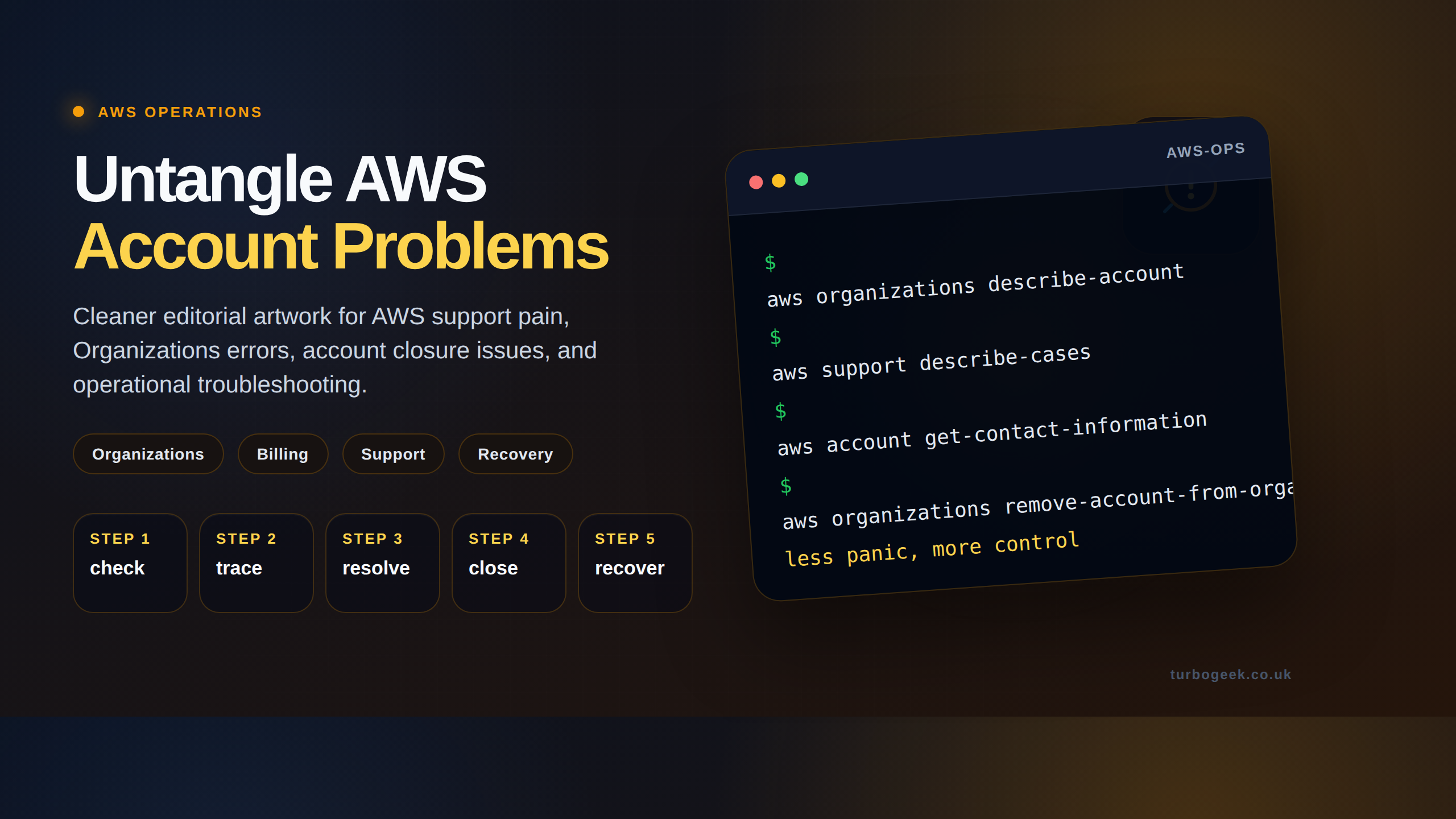
TL;DR
- Member accounts in AWS Organizations need their own payment method before they can leave the org — bug or feature, depending on your perspective.
- Add a card via the Billing Console of the member account itself; the management account can’t add it on the member’s behalf.
- The error appears most often when removing accounts or moving them to standalone — plan around it.
- If the original account-creation flow used consolidated billing, you may need AWS Support for the manual step.
What is the AWS Organizations ‘valid payment method’ error?
AWS Organizations lets you bundle multiple AWS accounts under one management account, with consolidated billing and unified policy. When you add an account it inherits the management account’s billing — meaning the member doesn’t need a payment method while joined.
When that member is removed (left to be standalone) it suddenly does need its own payment method, and AWS rejects the operation with the error “The member account must be configured with a valid payment method, such as a credit card.” The fix is straightforward but not obvious: the member must add a card itself, before being removed.
Prerequisites
- Owner or root credentials for the member AWS account (NOT just the management account).
- A valid credit/debit card the AWS member account can attach.
- A reason — moving to standalone, decommissioning, or transferring ownership.
How to use this guide
The sections below walk through the practical commands and options. After the main content you’ll find a Verification block (sanity-check it actually worked), a Troubleshooting block (common error messages and what to do), and Related reading for follow-on topics.
The error message “The member account must be configured with a valid payment method, such as a credit card” in AWS Organizations typically occurs when you try to remove a member account from an organization, but that account doesn’t have a payment method associated with it.

AWS Organizations requires each member account to have its own payment method to cover its usage costs. This ensures that the management (or payer) account isn’t responsible for the charges incurred by the member accounts.
Important: If (like me) your AWS billing is managed by your corporation, AWS will suspend the account for 90 days. Once the 90 days have passed, AWS will automatically remove it.

How to fix it:
There are a few ways to address this issue:
- Add a payment method to the member account:
- The most straightforward solution is to sign in to the member account and add a valid payment method (credit card or debit card) under the “Billing & Cost Management” section of the AWS console.
- Contact the member account owner:
- If you don’t have access to the member account, reach out to the owner and ask them to add a payment method.
- Leave the organization as a member account:
- If adding a payment method isn’t possible, the member account owner can follow the instructions in the AWS documentation to leave the organization. This will convert the member account into a standalone account, and they can then close it if desired.
- Alternative solutions (for specific situations):
- Temporary payment method: If you need to remove the account quickly and don’t want to permanently associate a payment method, you could temporarily add a payment method to the member account, remove it from the organization, and then remove the payment method from the standalone account.
- Contact AWS Support: If you’re facing difficulties or have a unique situation, you can contact AWS Support for assistance.
Thanks for taking the time to read this article. if you have any questions or feedback, please write in the comment section below.
Verification
Sanity-check the change actually worked:
- Sign in as root in the member account → Billing Console → Payment methods — at least one card listed.
- Retry
aws organizations remove-account-from-organization --account-id <id>from the management account. - AWS console: account no longer appears under the parent organization.
Troubleshooting
Card added but the error persists — Card may not be set as the default payment method. In the Billing Console, set the new card as default.
Cannot sign in as root in the member account — Reset root password via the email associated with the account; if email access is also lost, AWS Support is the path.
Account was created without an email contact — Edge case — older Organizations created accounts without separate root credentials. AWS Support can re-claim the account.
Authoritative sources
References: AWS — Manage payment methods, AWS Organizations — Remove a member account.
Leave a Reply