
Verified 22 June 2026 against Syft 1.45.1, NIST’s SBOM guidance and SLSA 1.2.
An SBOM becomes useful when it answers an urgent operational question. If a new vulnerability lands this afternoon, can you identify which shipped images contain the affected component, which version they contain and which team owns the release?
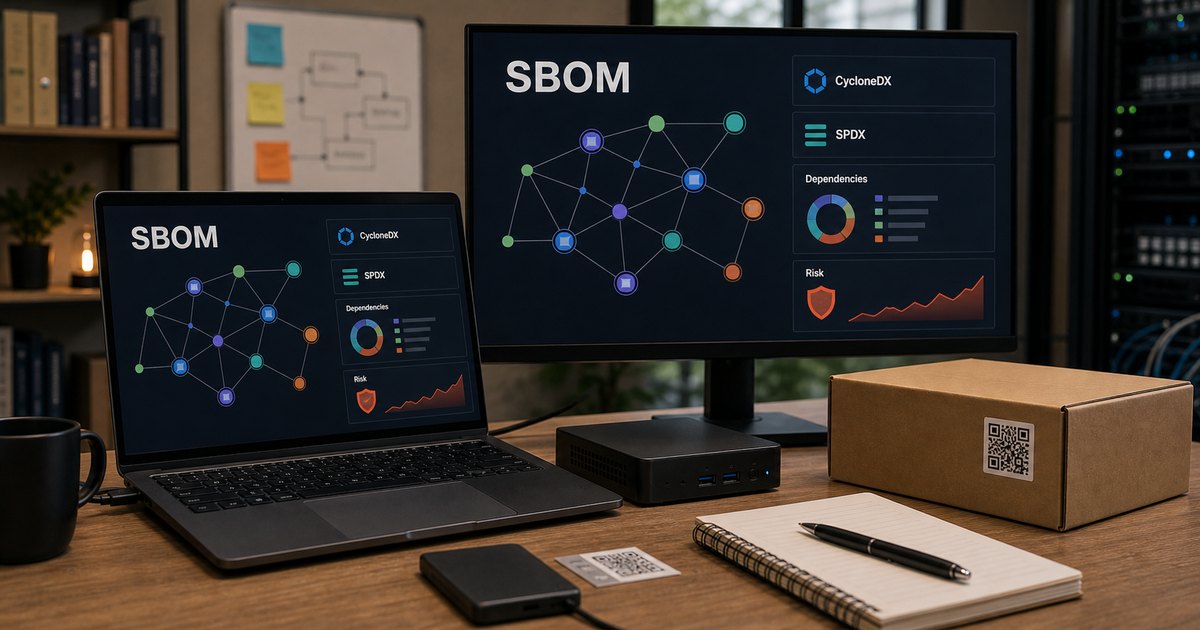
A Software Bill of Materials is a machine-readable inventory of components and their relationships. It is not a vulnerability verdict, proof that a build was trustworthy, or a substitute for knowing whether vulnerable code is reachable. It gives you the inventory on which those later decisions depend.
The workflow in plain English
- Build the release artifact once.
- Generate an SBOM from that artifact, not from a vaguely similar source tree.
- Store the SBOM with the image digest and build metadata.
- Scan and monitor the inventory against vulnerability data.
- Use VEX or equivalent context to record whether a finding affects the product.
- Attach provenance so consumers can verify where and how the artifact was built.
Generate a CycloneDX SBOM with Syft
Syft can inspect container images, directories, archives and other targets. These examples use Syft 1.45.1 and write the output to a named file rather than losing it in terminal history.
# Inspect a local container image and write CycloneDX JSON
syft my-app:1.4.2
  --output cyclonedx-json=./my-app-1.4.2.cdx.json

# Generate an SPDX JSON document at the same time
syft my-app:1.4.2
  --output cyclonedx-json=./my-app-1.4.2.cdx.json
  --output spdx-json=./my-app-1.4.2.spdx.json

# Inspect a directory when a filesystem is the real artifact
syft dir:./release
  --output cyclonedx-json=./release.cdx.json
Use the image digest in production automation when possible. A mutable tag such as latest can point to something different tomorrow.
image=ghcr.io/example/my-app@sha256:REPLACE_WITH_REAL_DIGEST
syft "$image" --output cyclonedx-json=./my-app.cdx.json
Check that the SBOM contains what you expect
A generated file is not automatically a useful inventory. Inspect the metadata and search for a component you know should be present.
# Basic JSON validation
jq empty ./my-app.cdx.json

# Show component names and versions
jq -r '.components[]? | [.name, .version] | @tsv'
  ./my-app.cdx.json | sort | less

# Find a specific package
jq -r '.components[]? |
  select(.name | ascii_downcase == "openssl") |
  {name, version, purl}' ./my-app.cdx.json
If a package that is visibly present in the image is missing from the SBOM, investigate the package ecosystem and cataloguer support before treating the document as complete.
Store the SBOM in GitHub Actions
This workflow builds an image, generates a CycloneDX SBOM and uploads the document as a build artifact. The action major versions were current on 22 June 2026. For a sensitive repository, pin third-party actions to reviewed commit SHAs.
name: build-and-sbom

on:
  push:
    branches: [main]

permissions:
  contents: read

jobs:
  build:
    runs-on: ubuntu-latest
    steps:
      - uses: actions/checkout@v7

      - name: Build image
        run: docker build --tag my-app:${{ github.sha }} .

      - name: Generate CycloneDX SBOM
        uses: anchore/[email protected]
        with:
          image: my-app:${{ github.sha }}
          format: cyclonedx-json
          output-file: my-app-${{ github.sha }}.cdx.json
          upload-artifact: false

      - name: Upload SBOM
        uses: actions/upload-artifact@v7
        with:
          name: sbom-${{ github.sha }}
          path: my-app-${{ github.sha }}.cdx.json
          if-no-files-found: error
Artifact retention in CI is only the first step. Mature workflows associate the SBOM with the immutable image digest in a registry, release system or signed attestation.
SBOM, vulnerability scan, VEX and provenance are different
| Artifact | Question it answers |
|---|---|
| SBOM | What components and relationships are recorded in this software? |
| Vulnerability scan | Which recorded components match known advisories? |
| VEX | Does a reported vulnerability actually affect this product, and what is its status? |
| Provenance | Where, when and how was this artifact produced? |
| Signature/attestation | Can I verify the identity and integrity of the supplied statement? |
NIST explicitly describes SBOMs as complementary to vulnerability management and supplier-risk processes, not a replacement for them. SLSA provenance adds verifiable build information. Those distinctions matter because a beautifully formatted inventory does not prove the build was uncompromised.
What I would retain
- The immutable image or artifact digest.
- The SBOM format and specification version.
- The Syft version and configuration used to generate it.
- The repository revision and build run.
- The creation timestamp.
- The vulnerability scan result or a link to continuously updated monitoring.
- Any VEX statement, exception and expiry date.
- Build provenance and signatures where the release process supports them.
Common mistakes
- Generating the SBOM from source when the shipped container contains additional operating-system packages.
- Saving only a vulnerability report and discarding the underlying inventory.
- Using mutable image tags without recording a digest.
- Publishing an SBOM once and never monitoring it against new advisories.
- Treating every package match as exploitable without runtime or product context.
Primary documentation
Related TurboGeek guides: start with my practical DevSecOps rollout, then scan the built image with Trivy and scan its Kubernetes manifest before deployment.
Leave a Reply